






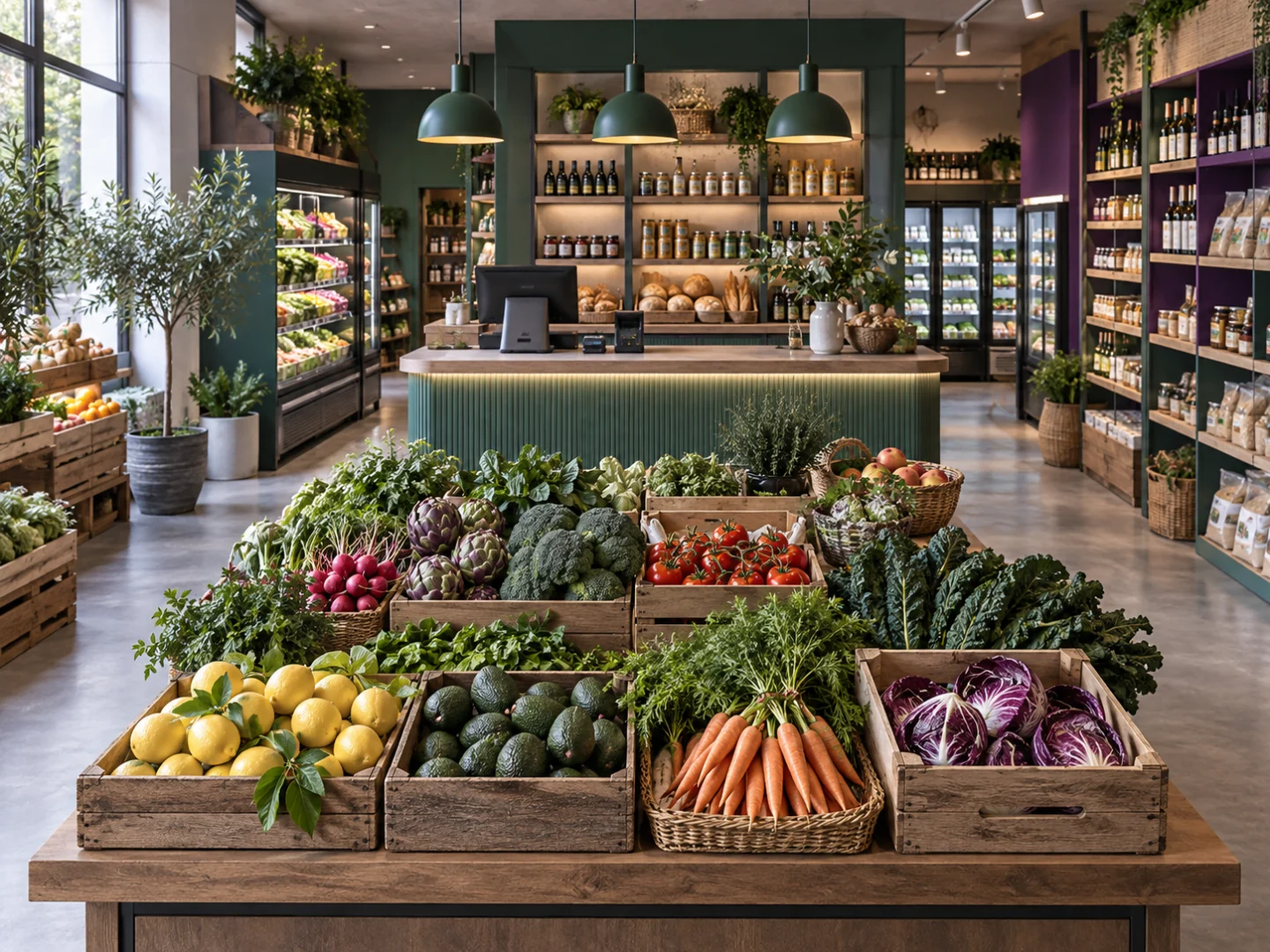









From checkout to stock
Connect everyday sales with inventory and customer records.
Explore this solution →
From order to kitchen
Coordinate table orders and kitchen workflows.
Explore this solution →
From variant to sale
Follow variants and seasonal products through your retail workflow.
Explore this solution →
Build your B2B workflow
Explore wholesale customers, price lists and business orders.
Explore this solution →Organise your salon day
Discover connected appointment, service and commission workflows.
Explore this solution →Connect your online sales
Bring online products, orders and shipments into your business.
Explore this solution →A closer look
Compare industry solutions through four practical questions
Use these working examples to review industry solutions in the context of your operation. Confirm essential requirements in your walkthrough and proposal.

What starts the workflow?
Industry solutions should be compared using the event that starts your daily work. A grocery sale begins at the product and basket; a restaurant order may depend on service context; a salon visit starts with an appointment and a service.
Choose a familiar example from your operation and follow it through the relevant tools. This makes it easier to see where the shared Grosa platform ends and where a specialist sector module becomes important to your setup.

Which product and service records matter?
The right industry solutions need the right business vocabulary. Your catalogue might contain packaged products, sizes and colours, prepared dishes, services or business price lists. Describe the units and details your team actually uses, including examples that cause confusion today.
Compare those needs with the relevant sector page and inventory tools. Avoid treating every business as a standard retail catalogue: the demonstration should show which records are suitable and which requirements need a separate review.

Who passes the work to whom?
Useful industry solutions connect people as well as transactions. Explain how the shop floor, stockroom, kitchen, reception or sales office hands work to the next person. Which information needs to be visible, and who is responsible for updating it?
For multiple locations, include the branch involved in each example. This gives your Grosa walkthrough a concrete operating context and helps you evaluate responsibilities alongside products, customer information and the plan capacity you may need.

What should be confirmed before you choose?
Industry solutions can share a foundation while having different configuration and module requirements. Review the published plan comparison, then list the sector-specific workflows that are essential for your business. Confirm optional modules, any devices or integrations and the scope of setup work in your proposal.
If your business combines sectors, such as grocery and food-to-go, describe both parts of the operation. A useful decision explains the fit and the remaining questions rather than relying on the category name alone.