






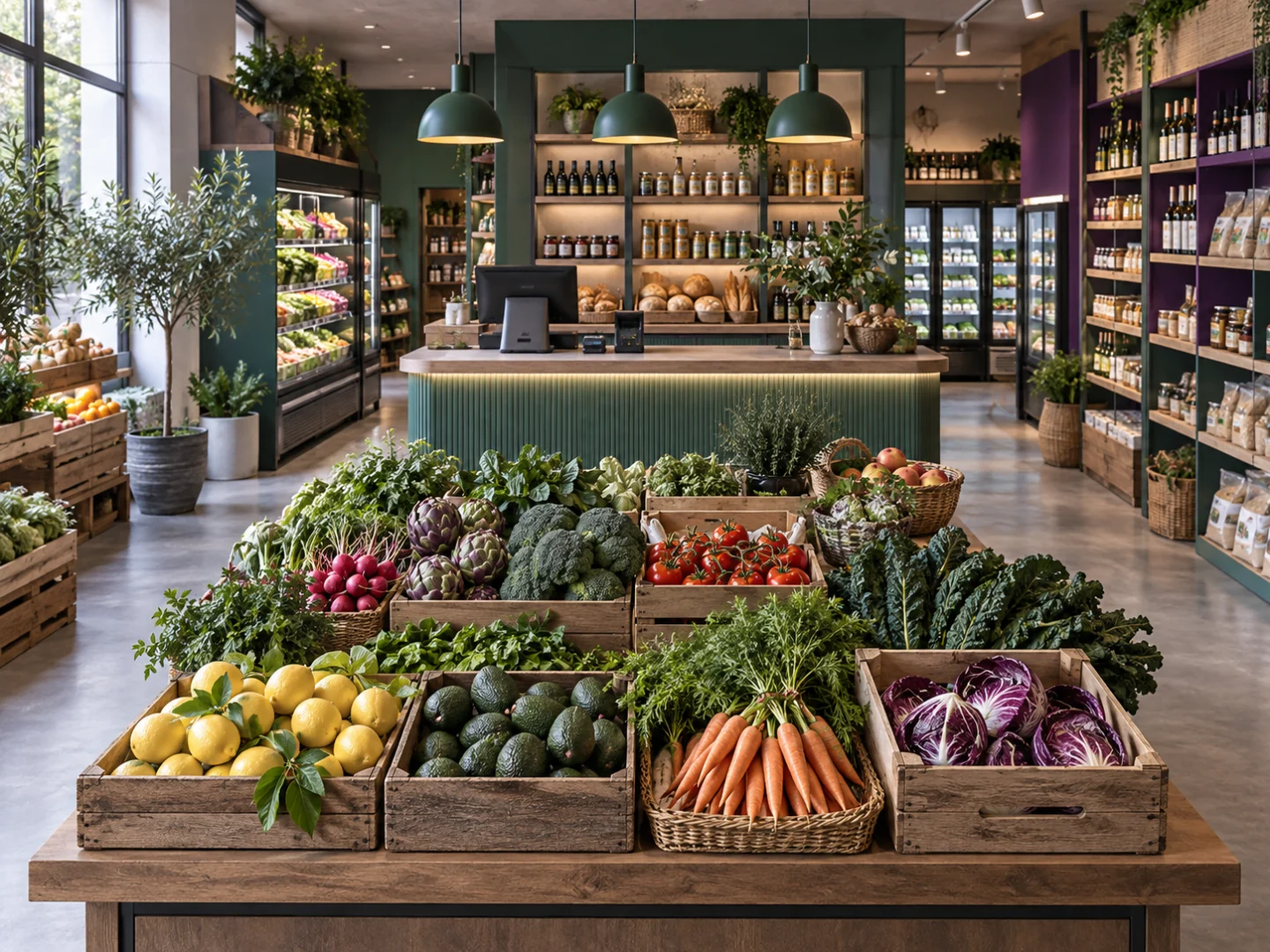
From shelf to checkout
Review a product record, follow the sale and look at stock movements within your configured workflow.
Explore this industry
From order to preparation
Discuss how Restaurant tools fit ordering and preparation. Review plan eligibility and the add-on before choosing your setup.
Explore this industry
From product to customer
Bring product selection, customer records and online selling into the discussion with your team.
Explore this industry
Understand how the tools fit together.
Explore core operations, specialist modules and everyday workflows.
Explore platform ↗
Find the approach for your business.
Explore sector needs and the modules to review in your demo.
Explore industries ↗
Make a clear plan for your next step.
Compare base plans, capacity and separately priced add-ons.
Explore pricing ↗A closer look
Four useful questions to explore why Grosa fits
Explore why Grosa may fit your business through the connections between tasks, sector requirements and the questions your team needs answered.

Follow the information between tasks
Understanding why Grosa may fit begins with the handovers your team handles today. Follow one product from its catalogue record to a sale, a stock check and any online order context. Where does a colleague have to re-enter information or ask someone else for an answer?
Use that example to explore the relationship between Grosa tools. The purpose is to assess an everyday workflow, with its real records and exceptions, rather than judge the platform only by its list of modules.

Compare shared needs with sector needs
A useful answer to why Grosa starts with what your operation shares with other businesses and what makes it different. Sales, products, stock and customers may form the foundation, while table service, appointments, variants or trade price lists need a sector discussion.
Explore both levels in the relevant pages and demonstration. Review which modules are included, optional or subject to a closer assessment before deciding whether the proposed setup covers your essential routines.

Give each role a meaningful example
The people using the workspace may evaluate it differently. A colleague at checkout needs a familiar transaction; the stock team needs useful product and movement context; the owner needs a view of capacity and scope. When considering why Grosa, include those perspectives in the walkthrough.
Ask each person to explain an ordinary task and a common exception. That creates a more useful discussion than assuming one screen or one role represents the whole operation.

Make the decision explicit
Knowing why Grosa fits should lead to a clear explanation of what you are choosing. Record the tools reviewed, the plan capacity, the optional modules and any unanswered questions. Separate illustrative images and examples from confirmed functionality in your setup.
Agree implementation requirements and commercial terms before proceeding, particularly when you need specific devices, imports or integrations. A considered decision leaves your team with shared expectations about the next step and the responsibilities around it.