


Skip to main content Scroll Top
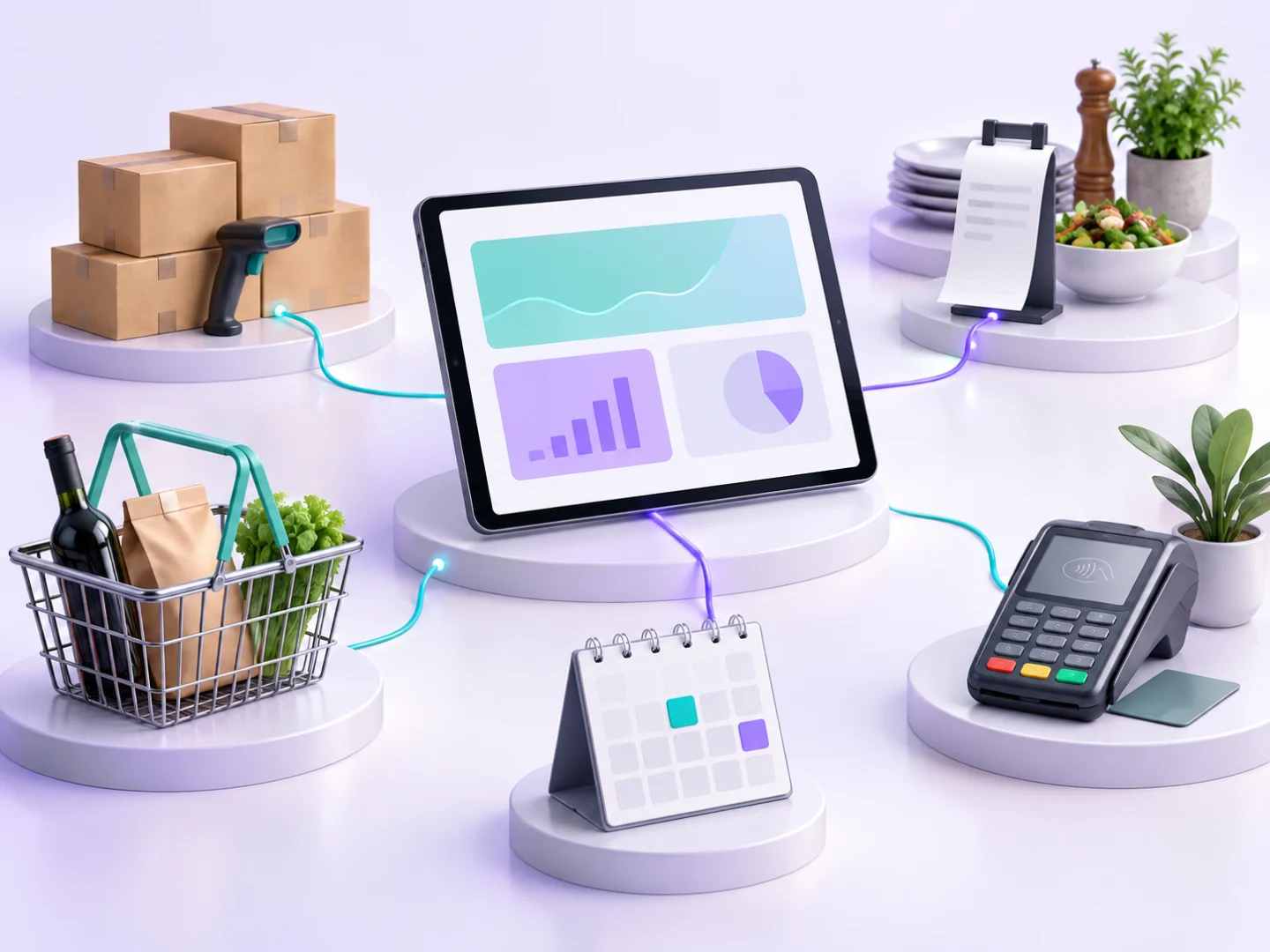
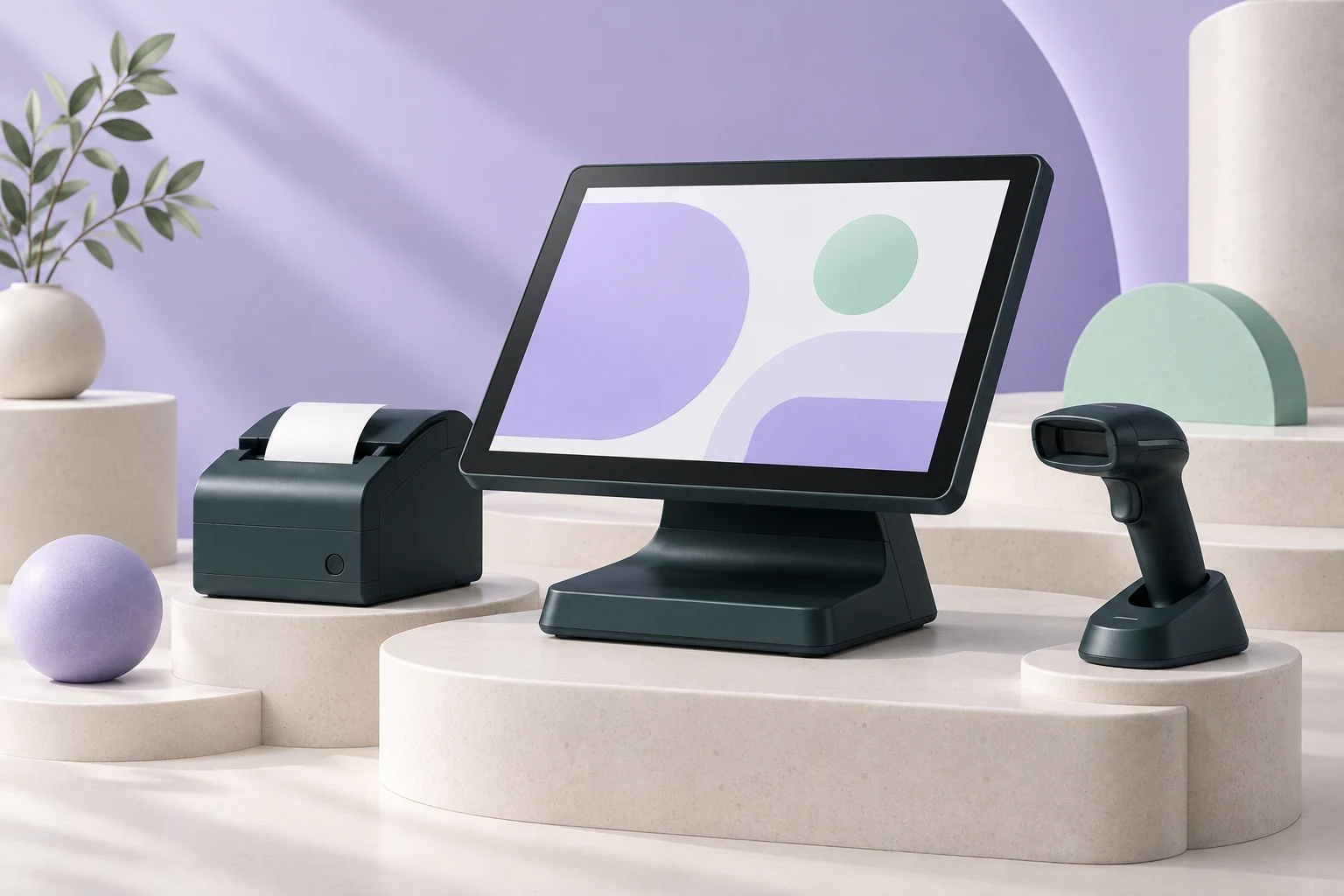
Conceptual checkout equipment illustrating POS software, not a product screenshot

GROSA / SALES & POS

Every sale.
Connected.

Explore Grosa POS software for your everyday checkout, product records, customer routines and cash sessions. Keep each sale connected to the wider business.

  • Product & barcode lookup
  • Park & recall sales
  • Cash sessions & reports

Explore the sales workflow and confirm the setup that fits your business. Equipment shown is illustrative; we will review your hardware during the demo.

AT THE COUNTER

POS software that keeps the sale moving

Find products, build the basket and pause a transaction when your customer needs a moment. Recall it when you are ready to continue.

BEHIND THE COUNTER

Keep the day in view.

Follow recorded sales, review returns and connect transactions with your cash session. Give each shift a clear beginning and end.

EVERYDAY SALES TOOLS

Made for the rhythm
of your business.

Product lookup

Find products by name, SKU or barcode records and keep the basket tied to your product catalogue.

Connected checkout

Record the items, quantities and customer context that belong to each sale.

Park & recall

Pause a basket while the customer makes a decision, then recall the parked sale to continue.

Returns & refunds

Review the original transaction and process supported returns through the recorded sale workflow.

Cash session context

Connect sales with the cashier and branch context of an open cash session.

Sales summaries

Review daily activity and sales history, then inspect the transactions behind the overview.

FROM OPENING TO CLOSING

A clearer cash
session workflow.

Open a cash session, record the movements that belong to it and review the closing process. Keep cashier and branch context alongside the transactions you need to understand.

Session access and approval actions follow the roles available in your setup. Review your team’s responsibilities during the demo.

  1. 01

    Open the session

    Start with the cashier, branch and opening cash details.

  2. 02

    Follow the activity

    Review recorded sales and cash movements within the session.

  3. 03

    Review and close

    Move through closing and inspect the resulting session report.

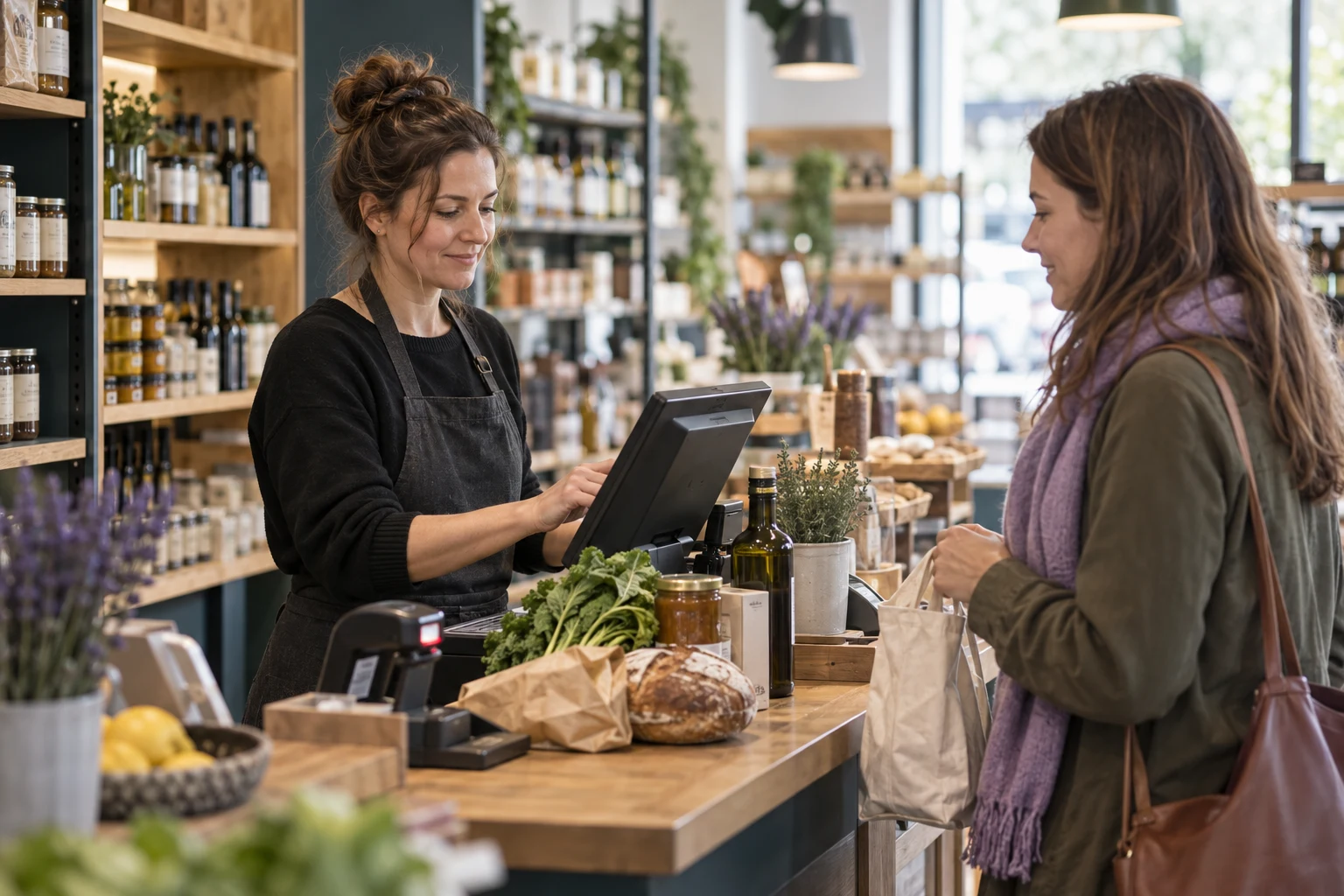
Illustrative grocery store checkout interaction

CONTROL WHERE IT MATTERS

Every action has
its place.

Keep everyday selling and management tasks connected. Review the sales history, permissions and correction workflows that fit the way your team works.

Role-aware access

Keep cashier and management actions aligned with configured team permissions.

Traceable sales

Review recorded sale details and the context behind supported corrections.

Cash movements

Record and review the movements that affect the cash session.

Branch context

Follow the sales and sessions that belong to each configured location.

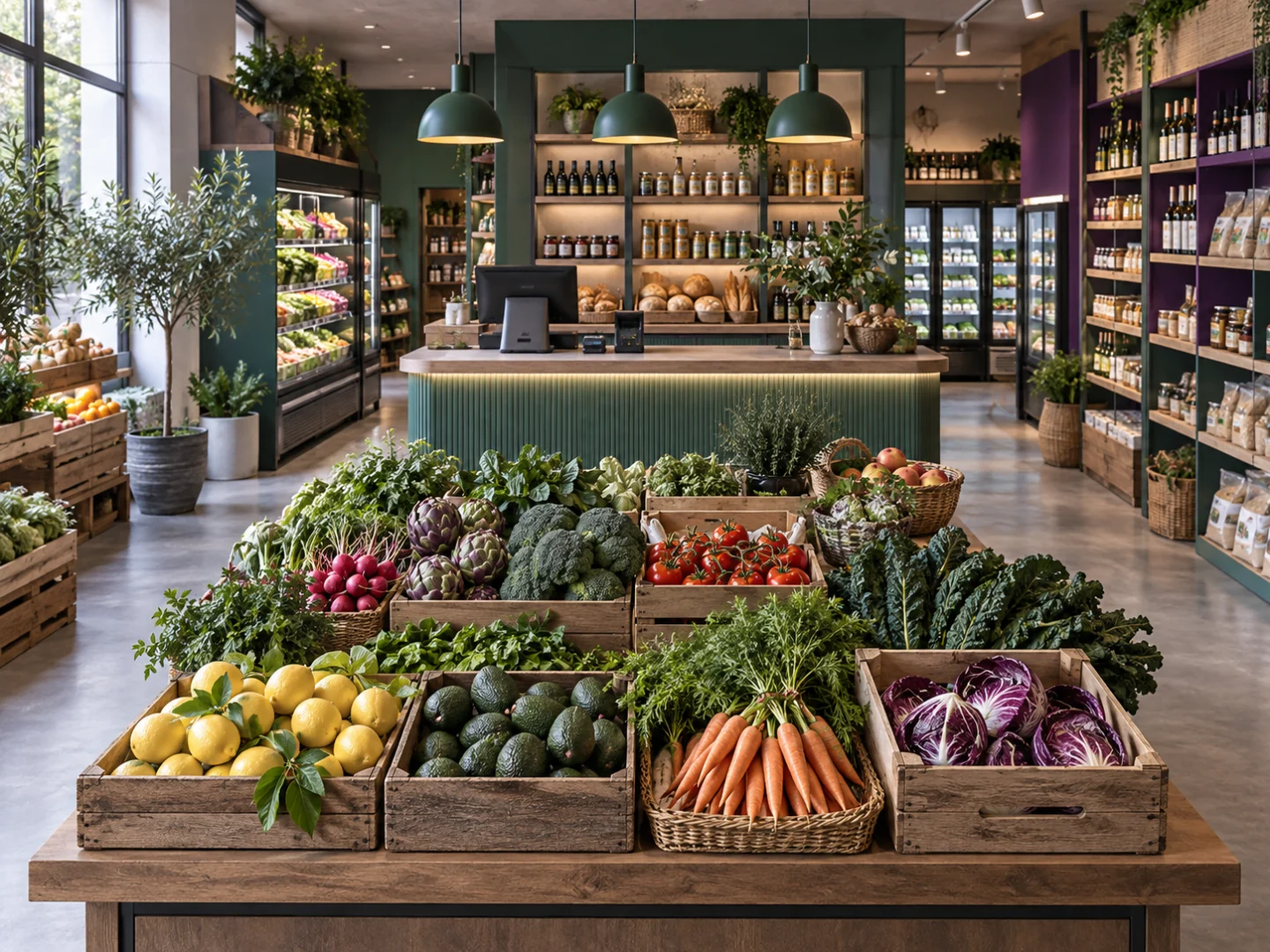
Illustrative product and stock review in a retail store

MORE THAN A SINGLE TRANSACTION

Products. Customers.
A shared foundation.

Use product records and customer details alongside the sale. Follow related stock activity and review how your store workflows fit together across Grosa.

  • Product names, SKUs and barcode records.
  • Customer context linked to recorded sales.
  • Stock activity connected with the sales workflow.
  • Branch context for the locations in your plan.
Explore the full platform

UNDERSTAND THE DAY

From individual sales
to a clearer overview.

Review daily activity, sales summaries and cash session reports. Use the records to discuss what happened with your team, then follow the detail behind each transaction.

REPORTING WORKFLOW

Record → Review → Understand

Sales historyTransaction detail
Daily summarySales activity
Cash sessionClosing report

Workflow illustration, not live reporting data.

YOUR QUESTIONS, ANSWERED

A confident start
at the counter.

Bring your products, daily sales routines and equipment requirements to the conversation. We will review the setup with you.

Is Sales & POS included in my plan?

Review the current inclusions and capacity limits on the Pricing page, then confirm your sales and specialist industry requirements in a demo.

Can I pause and return to a sale?

The sales workflow supports parking a sale and recalling it later. Review the customer and cashier routine in your demo.

How do returns and refunds work?

Supported returns and refunds are processed against recorded sales. Your demo will cover the available actions, permissions and the effect on connected records.

Can I use my existing POS equipment?

Share the models of your scanner, receipt printer, cash drawer and payment terminal. Hardware, drivers, terminal integrations and local requirements must be reviewed for your setup before you commit.

Does Grosa guarantee offline checkout or fiscal compliance?

Offline operation, payment integrations and country-specific fiscal requirements need a separate review of your environment. We will confirm the supported setup during the demo.

How are cash sessions and reports connected?

Cash session workflows support opening, activity review and closing. Sales summaries and session reports help you follow the recorded activity for your cashier and branch context.

A closer look

Review POS software through four everyday situations

Use these working examples to review POS software in the context of your operation. Confirm essential requirements in your walkthrough and proposal.

A product that needs a quick answer

POS software should be assessed with the products your team actually sells. Choose a familiar item and a less straightforward example, such as a product with similar names or a different selling unit. Review how product records support lookup and basket building in the Grosa walkthrough.

Explain where a colleague normally needs help and what information would resolve the question. This keeps the evaluation focused on the relationship between your catalogue and everyday service at checkout.

A customer who is not ready to finish

A sale does not always progress from the first item straight to payment. Your customer may need another product or a moment to make a decision. Review Grosa POS software using the supported park-and-recall workflow and discuss the basket information your team needs when continuing the transaction.

Include the way colleagues share the counter in your example. Device compatibility, payment processing and any external integration should be reviewed as separate requirements for your setup.

A return with transaction context

Returns are easier to discuss when the original transaction and the requested outcome are clear. In your POS software demonstration, follow a recorded sale and review the supported return workflow with the team. Explain the kinds of returns your business handles and who has responsibility for them.

Any particular approval, device or accounting requirement should be confirmed explicitly. Avoid assuming that a general returns feature automatically covers every operational policy used by your business.

A shift that needs a clear handover

POS software sits within the working day of the people at the counter. Describe how your business opens a cash session, follows recorded transactions and hands work to the next colleague. Review the Grosa sales context alongside the product and inventory tools that support it.

For multiple branches, identify which location belongs to the example. Compare users and branch capacity with the plans, and discuss any specialist industry module that your checkout routine also depends on.

LET’S WALK THROUGH YOUR STORE

See your next
sales workflow.

Tell us what you sell, how your team operates and what you want to improve. Start with a focused Sales & POS demo.

Bring your priorities.

Products and checkout. Cash sessions and reporting. Your industry, branches and team.