






Your business.
One connected platform.
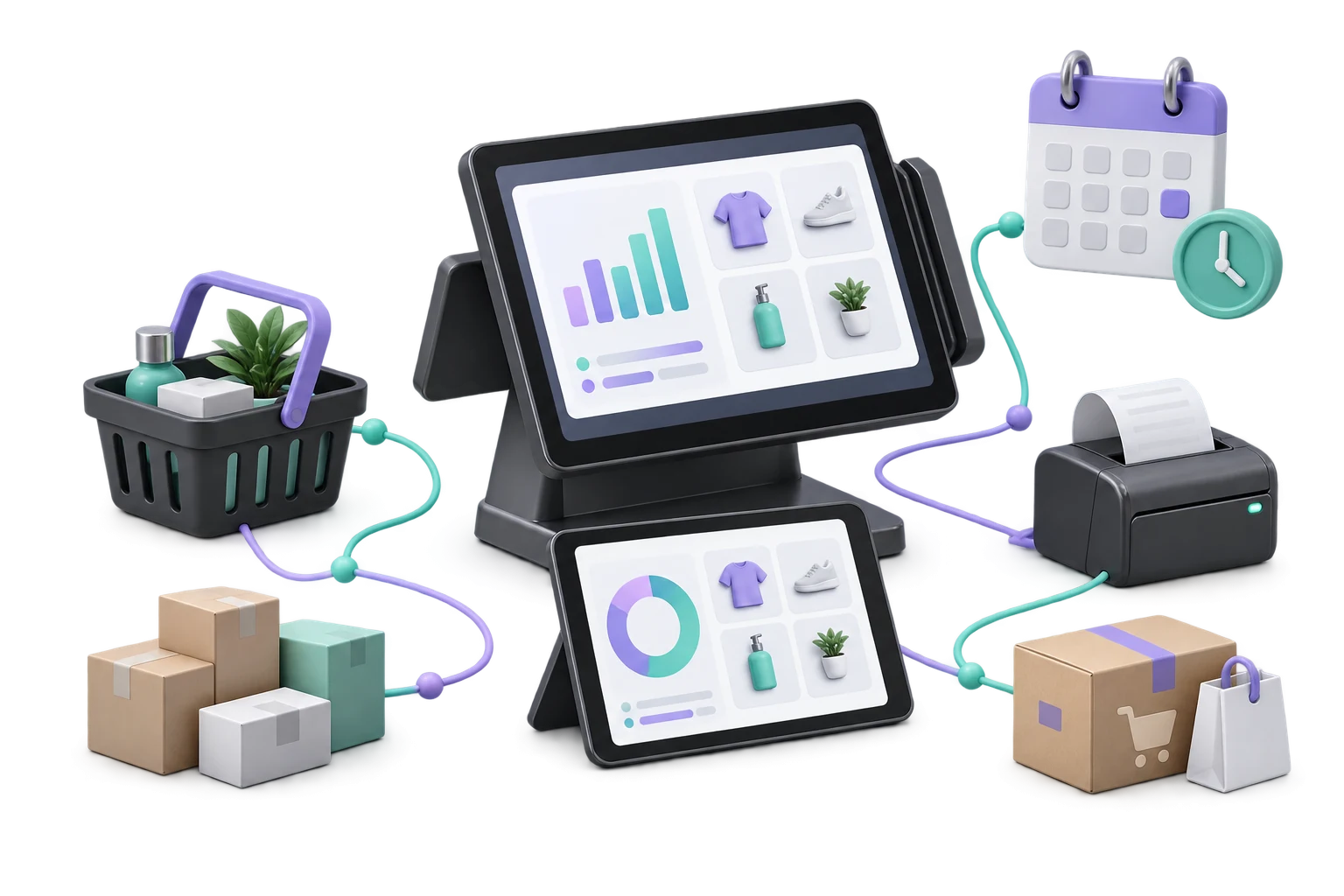
Sales, stock, customers and industry workflows — connected around your business.
Talk to our team at [email protected] about the right setup for your business.

From your first sale
to your next stage.
The Grosa platform connects checkout, stock, customers and everyday operations, combining shared business tools with specialist modules for your industry.

and customers
workflows
for your setup
The Grosa platform: one connected foundation
A grocery store, restaurant and salon have different priorities. They still need reliable products, customer records and a clear view of everyday operations.
Start with the core tools, select your sector workflow and discuss the add-ons that fit your business. Keep connected operations within one platform, with a setup matched to your needs.
A toolkit that works together.
Explore the connected tools around your daily operations. Your plan, sector setup and optional add-ons determine the right combination.
Tap a module to explore its details.
Sales & POS
Connect checkout, product selection and customer records for everyday sales.
Daily operationsInventory
Follow products, stock levels and inventory movements across your daily work.
Daily operationsPurchasing & Suppliers
Organise supplier records and purchasing alongside your product and stock workflows.
Daily operationsExplore Purchasing & Suppliers →Online Store & Orders
Bring online products, orders and shipments into your operations with the Webshop add-on.
Sales & growthExplore Online Store & Orders →Customers & Loyalty
Keep customer relationships and loyalty workflows close to your everyday sales.
Sales & growthExplore Customers & Loyalty →Insights & Reports
Review sales and operational reporting. Discuss AI Assistant and Demand Forecasting as optional additions.
Sales & growthExplore Insights & Reports →Finance & Accounting
Connect everyday financial records with business operations. Confirm the accounting scope for your setup in a demo.
Business managementExplore Finance & Accounting →Branches
Review location-based operations and reporting with our team to plan the right business setup.
Business managementExplore Branches →Teams & Access
Coordinate your people and their responsibilities with the access setup appropriate for your business.
Business managementExplore Teams & Access →
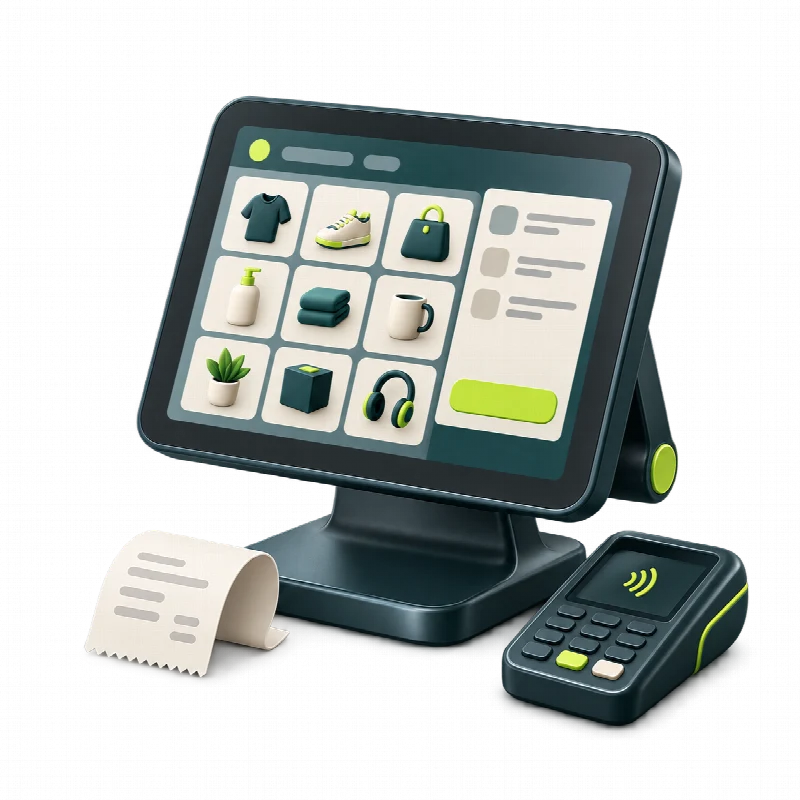
Sales & POS
Connect products, checkout and customers in your everyday sales workflow.
- Products and customer records close to checkout.
- Sales connected to the surrounding inventory workflow.
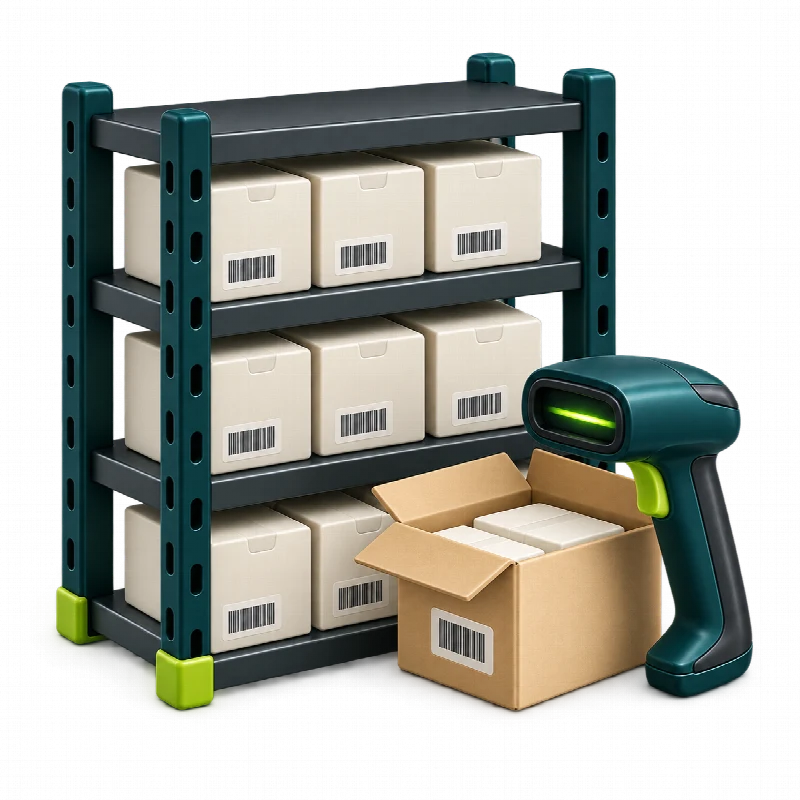
Inventory & Purchasing
Bring stock movements, products and supplier workflows together.
- Product records and stock movements in one place.
- Supplier and purchasing workflows alongside inventory.

Online Store & Orders
Connect online selling with products, orders and shipments through the Webshop add-on.
- Online products, orders and shipments.
- An optional Webshop module matched to your setup.
A platform shaped
around your workflow.
Start with your industry and operational priorities. We will help you review the right core tools, specialist modules and optional additions. Discuss any additional setup requirements with our team.
Built for different kinds of business.
See the connections
in everyday work.

Checkout → stock → customer
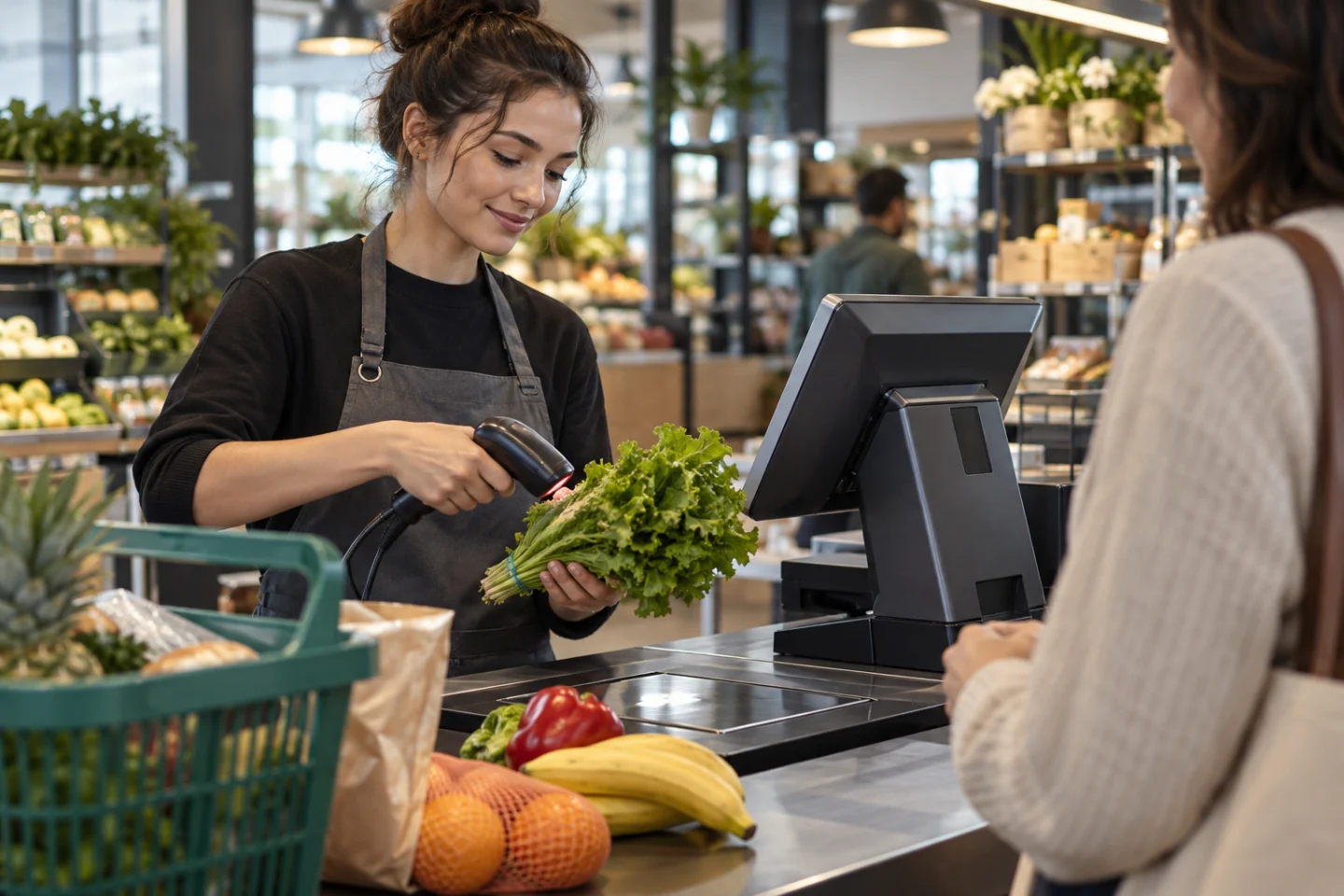
Follow a sale through the surrounding product, inventory and customer workflow.
Explore this business solution →

Order → kitchen → service
Connect the restaurant’s tables, orders and kitchen workflow with its specialist tools.
Explore this business solution →

Variant → sale → online order
Bring retail product variants and everyday sales alongside optional online selling.
Explore this business solution →Illustrative workflows. Ask our team to confirm the modules and scope for your business.

Your workflow,
connected.

From checkout to a clearer daily picture.
- Choose products and record everyday sales.
- Follow the associated inventory and customer workflows.
- Review operational reports and discuss the right add-ons.
An illustrative workflow, not a customer testimonial.
Explore Market & Grocery →From the table to the kitchen.
- Organise tables, orders and reservations.
- Coordinate kitchen orders and recipe workflows.
- Bring ready-to-eat or online ordering into the discussion when needed.
An illustrative workflow, not a customer testimonial.
Explore Restaurant →From the appointment to the next visit.
- Organise appointment and service workflows.
- Keep customer relationships and staff commissions in view.
- Review the tools that suit your salon and team.
An illustrative workflow, not a customer testimonial.
Explore Salon →One foundation. Specialist tools. Room to grow.
Core
Products, sales, stock and customer workflows.
Sector
Specialist workflows matched to your business.
Questions about
the Grosa platform?
Get a clearer picture of modules, plans and your next step. We can walk through your business requirements in a demo.
Grosa combines a shared platform with sector workflows for markets, restaurants, butchers, retail, salons and wholesale. Webshop and Grocerant provide additional selling workflows. Explore the Industries page to find your fit.
No. Your plan, sector setup and optional add-ons determine the available tools. Compare the full plan list and ask our team to confirm the scope and pricing for your business.
The Webshop module covers online products, orders and shipments. Discuss it as an optional addition to your setup, alongside any relevant pre-order or delivery requirements.
Tell us about your sector, products, team, locations and existing workflows. We can review the requirements in a demo and help you choose the appropriate tools.
Use Request a demo to open your email app, or email [email protected] directly. Share your business type and the workflows you want to discuss. Our team will follow up to arrange a walkthrough.
A closer look
Evaluate the Grosa platform across four connected areas
Use these working examples to review Grosa platform in the context of your operation. Confirm essential requirements in your walkthrough and proposal.

A consistent product foundation
The Grosa platform connects several tools around the same business context. Begin with your catalogue: names, identifiers, units and the locations that hold or sell each product. Consider how those records are used at checkout, in inventory and in your online range.
Choose a small set of representative products for the walkthrough, including a variation or exception your team knows well. This gives you a clearer basis for assessing connected operations than reviewing each module with unrelated example data.

The transaction and its wider context
A transaction is more than a total. Ask how your team identifies the product, associates customer context and follows the recorded sale in daily operations.
The Grosa platform should be explored using the routines that surround that transaction: a paused basket, a return, a stock check or a handover between colleagues. Confirm the supported workflow in the demonstration and distinguish it from payment-device or integration requirements that need their own discussion.

A workspace for the people who use it
The Grosa platform is relevant to different roles, from the counter to the person reviewing the wider business. List the users and branches involved in your chosen workflow, then explain which information each role needs.
Discuss the access and responsibilities appropriate to your setup instead of assuming every colleague will work in the same way. Compare the plan capacity with your actual team, and include any operational extras or specialist modules in the scope review.

A measured next step
Assess the Grosa platform against a short list of priorities you can explain in everyday language. You might want a clearer view of recorded sales, a more organised product catalogue or a shared context for store and online work. Review those priorities in a focused walkthrough and record any open questions.
Before proceeding, agree the subscription, modules, setup work and responsibilities relevant to your operation. Scope and timing should follow that review rather than an assumed rollout schedule.