

Skip to main content Scroll Top

GROSA FOR MARKET & GROCERY

Fresh stock.
Connected store.

Explore Grosa grocery store software for supermarkets and neighbourhood shops. Connect checkout, product information, stock and customer routines around your store.

Explore the relevant modules and confirm the scope for your business.
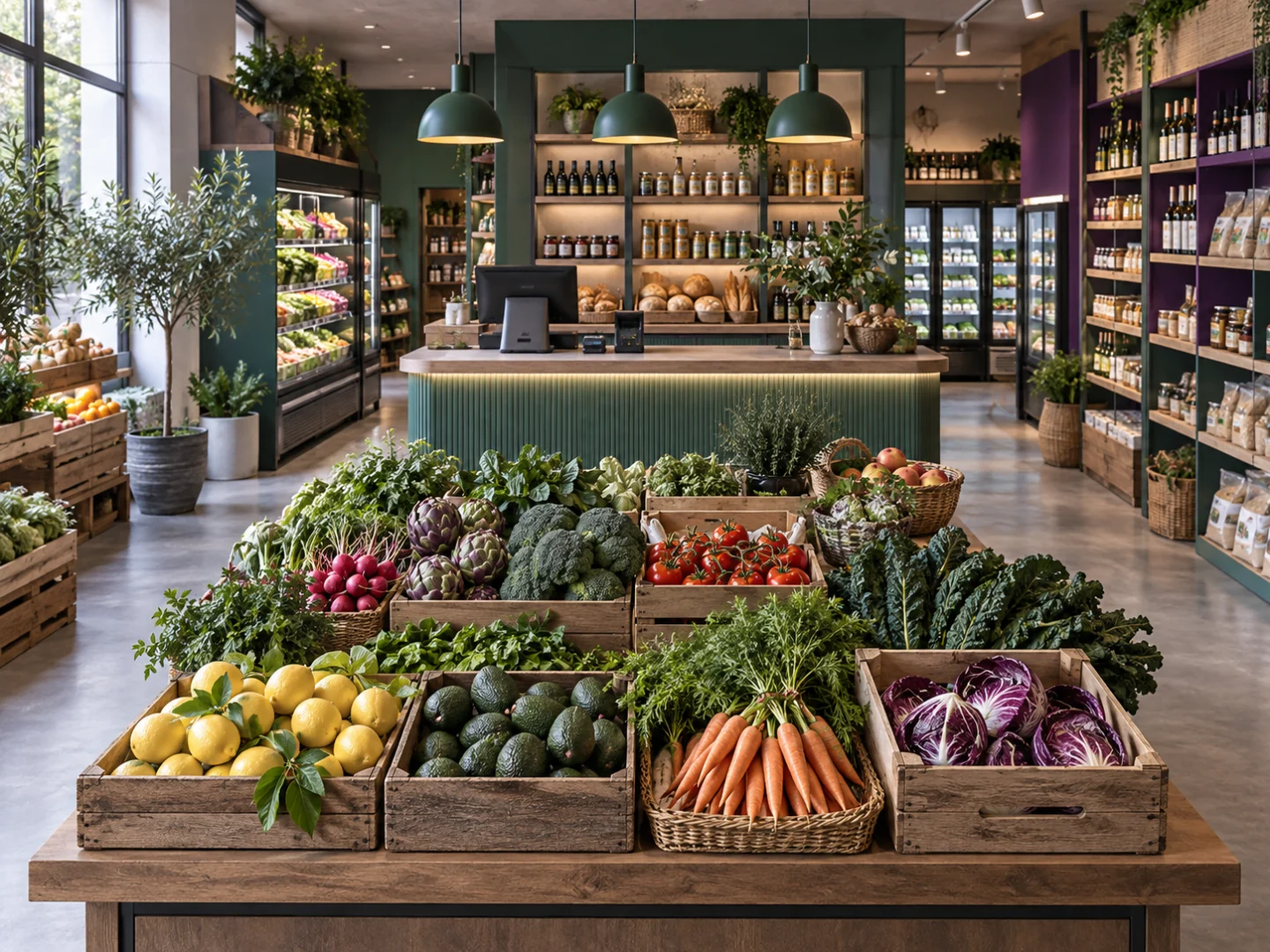
Stocked grocery aisles illustrating the operating context for grocery store software
Illustrative business photography.

BUILT AROUND YOUR WORK

Grocery store software for checkout and everyday stock

Explore the areas that matter to your operation. Use your own products, people and routines to give the demonstration a practical focus.

Checkout & sales

Keep everyday selling close to the product and customer information your team needs. Review the journey from finding an item to completing a sale on our Sales & POS page.

Product catalogue

Organise the products you sell and the information your team uses to identify them. A consistent catalogue is a useful starting point for both store routines and future online selling.

Stock movements

Follow the stock routines behind daily trading: what arrives, what is sold and what needs attention. Explore inventory in the context of your actual receiving and counting process.

Customers & relationships

Keep the customer side of the business in view alongside sales. Discuss how you recognise returning customers and which relationship or loyalty workflows matter to your store.

EVERYDAY OPERATIONS

A working day, connected.

Follow the tasks your team handles and the information passed between them.

01

Receive the delivery

Review incoming products against your receiving routine and organise the stock information your team uses.

02

Keep the shelves moving

Bring replenishment, product availability and stock checks into the same operational conversation.

03

Serve at checkout

Explore product selection, sales and customer handling through a focused Sales & POS demonstration.

04

Review the trading day

Look at the sales and stock questions that help you prepare for the next delivery and the next shift.

A PRACTICAL START

Four questions for a useful demo.

You do not need a complete specification before the first conversation.

01

Your business

Describe your market & grocery format and the priorities behind it.

02

Your records

Outline the product, service or customer records you work with today.

03

Your people

Explain who handles the tasks and how locations or teams work together.

04

Your next step

Identify the workflows you want to see and the questions you need answered.

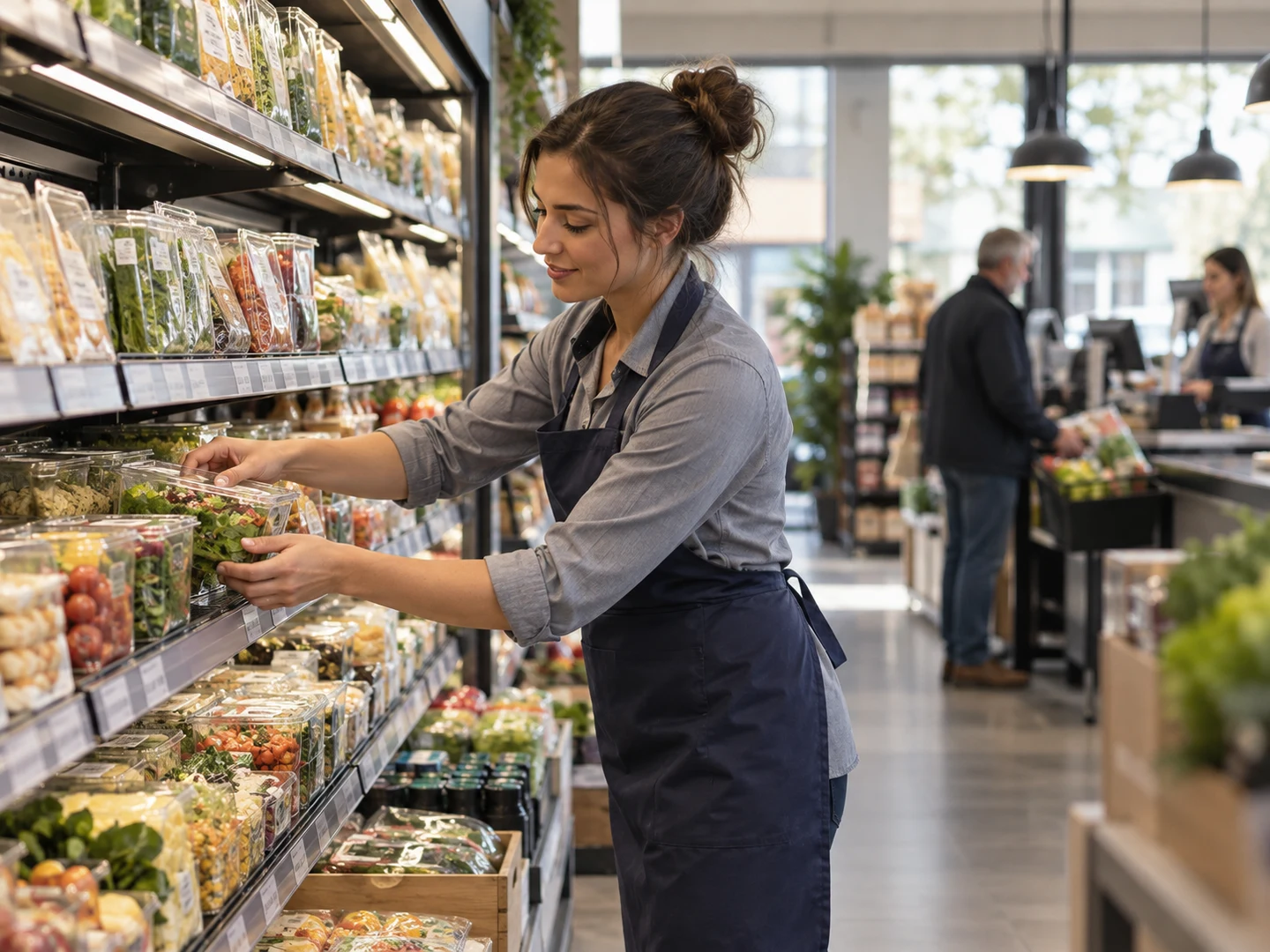
Grocery store software context: replenishing shelves near the checkout
Illustrative business photography.

THE DAILY WORK

The shelf and the checkout belong together.

A sale changes more than the till. It changes the stock picture, the questions your team answers and the work needed to prepare for tomorrow. Start with your product and stock routines, then explore how the sales side fits around them.

Explore related tools

EXPLORE THE DETAIL

Different tasks. One business context.

Choose an area to explore. The walkthrough should reflect the records and routines you actually use.

WORKFLOW 01

Checkout & sales

Keep everyday selling close to the product and customer information your team needs. Review the journey from finding an item to completing a sale on our Sales & POS page.

Bring an example of the task, the information used and the question your team needs to answer. Review the required configuration and scope before agreeing the next step.

Discuss this workflow
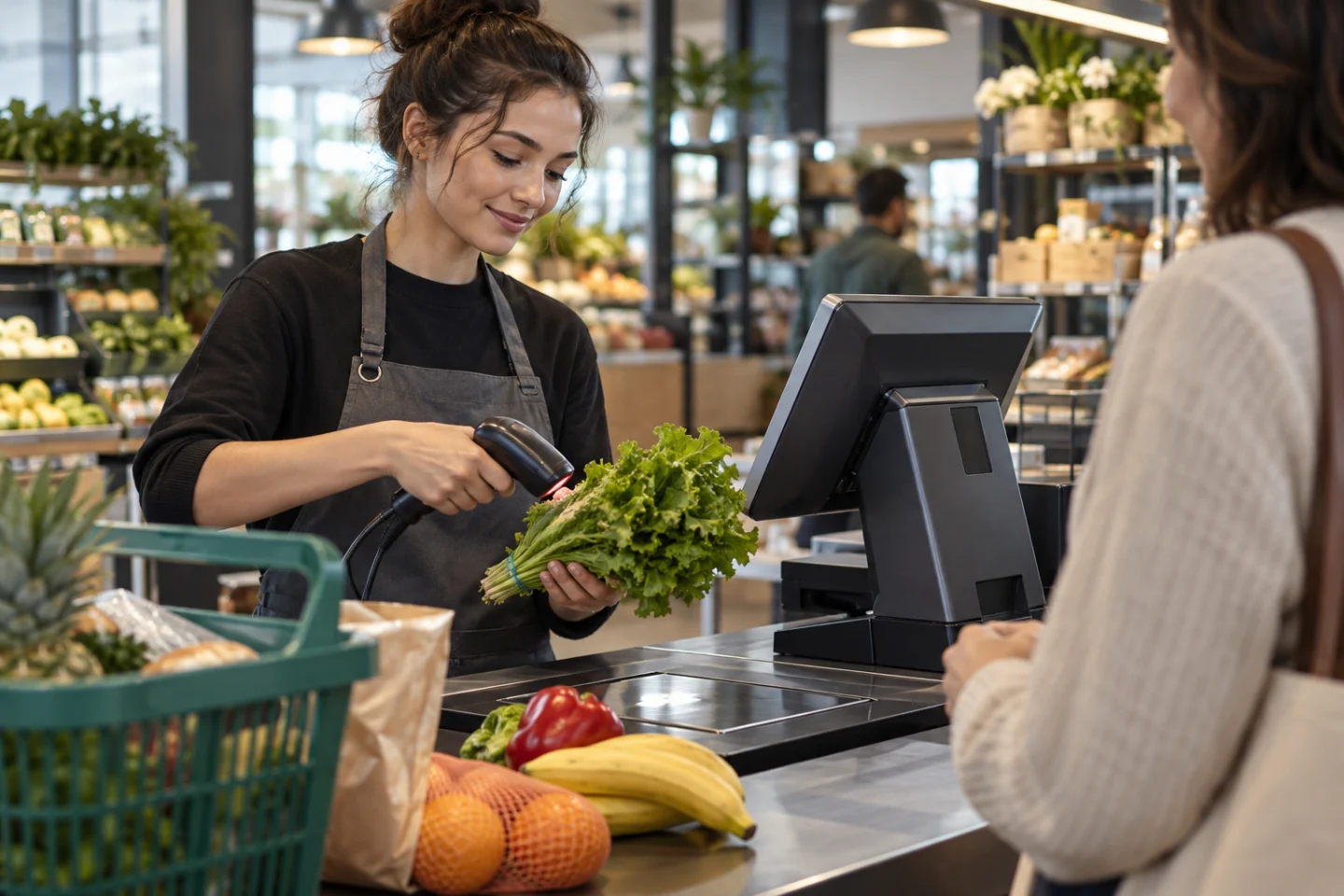
Illustrative business workflow setting
Illustrative business photography.

WORKFLOW 02

Product catalogue

Organise the products you sell and the information your team uses to identify them. A consistent catalogue is a useful starting point for both store routines and future online selling.

Bring an example of the task, the information used and the question your team needs to answer. Review the required configuration and scope before agreeing the next step.

Discuss this workflow
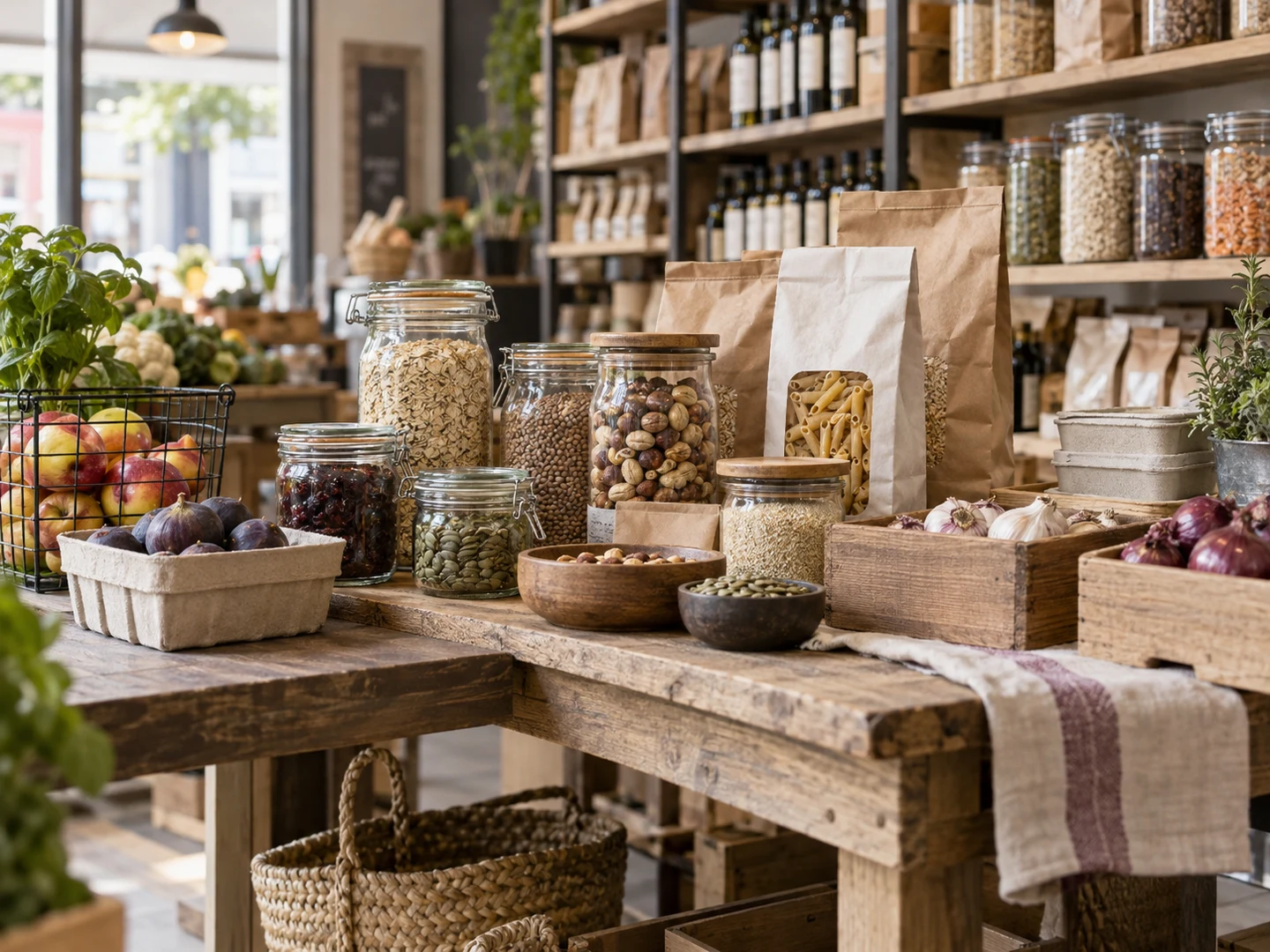
Grocery products and selling units ready for catalogue review
Illustrative business photography.

WORKFLOW 03

Stock movements

Follow the stock routines behind daily trading: what arrives, what is sold and what needs attention. Explore inventory in the context of your actual receiving and counting process.

Bring an example of the task, the information used and the question your team needs to answer. Review the required configuration and scope before agreeing the next step.

Discuss this workflow
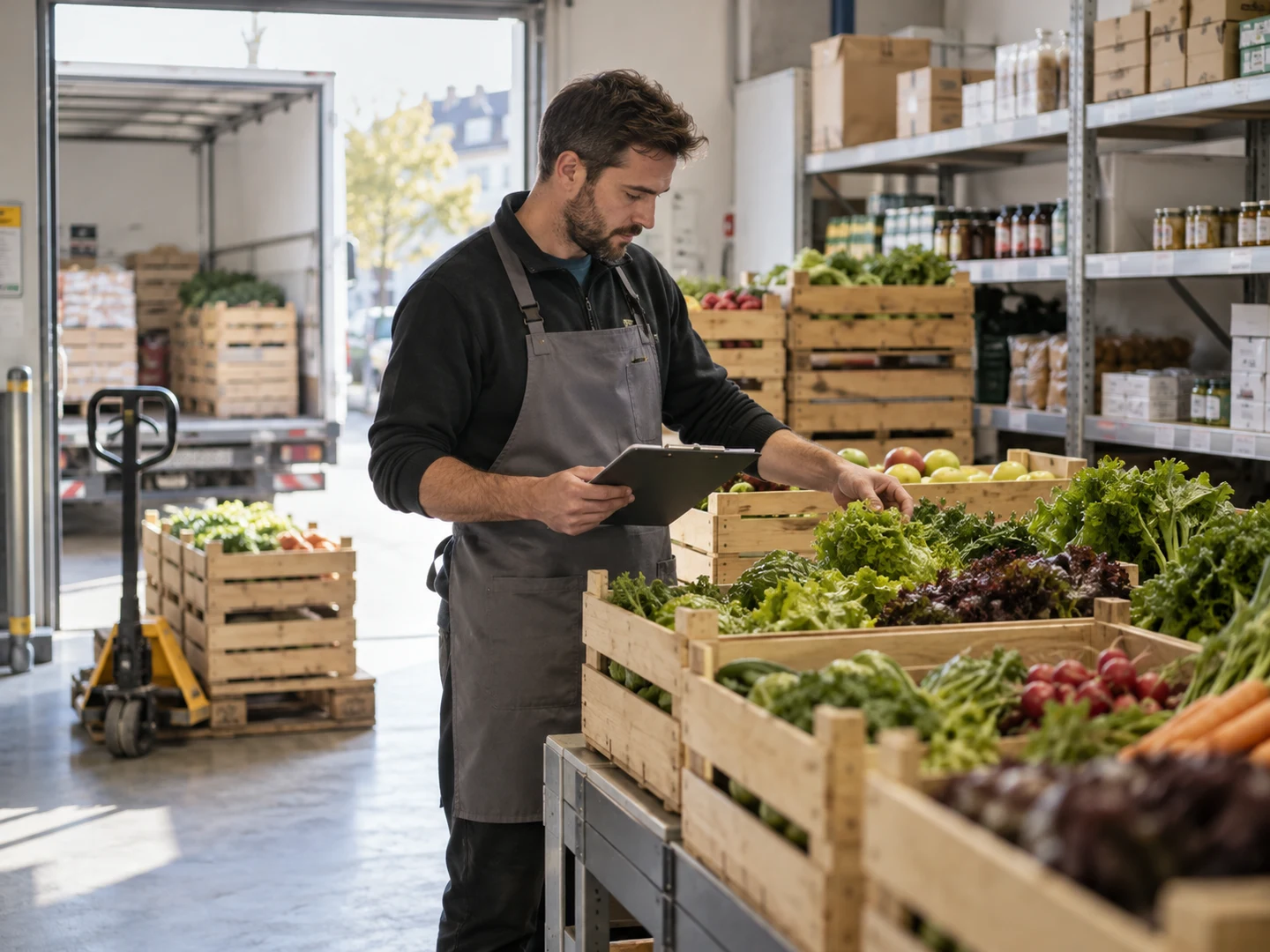
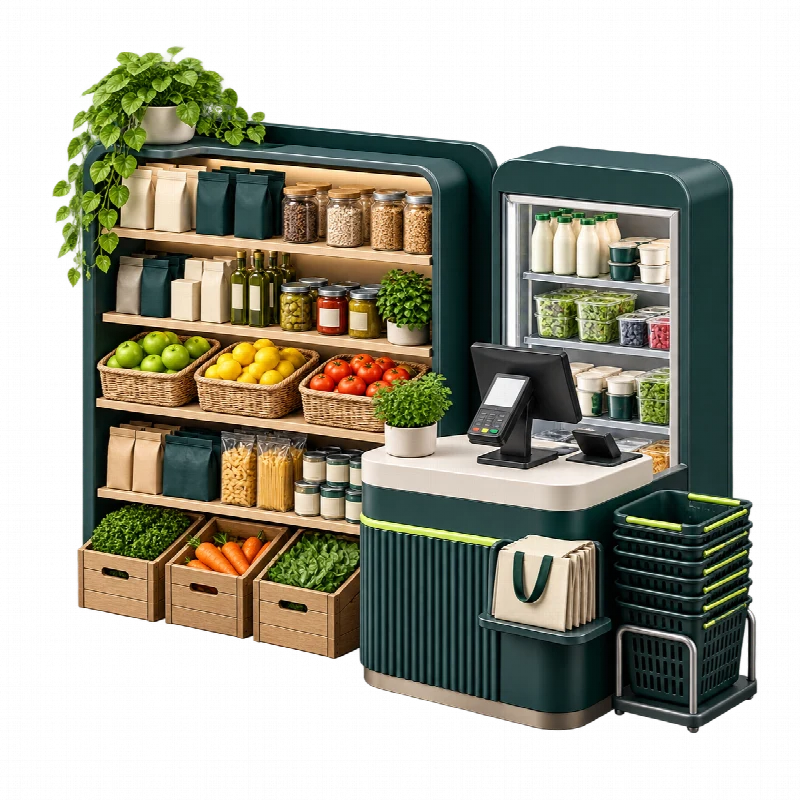
Grocery stock delivery being checked in a store receiving area
Illustrative business photography.

THE CONNECTED PICTURE

Make room for the wider workflow.

OPERATING CONTEXT

Suppliers & purchasing

Connect your replenishment discussion to the people who supply your shelves. Describe your supplier, ordering and receiving routines so the appropriate purchasing scope can be reviewed.

Explore the platform

PEOPLE & RECORDS

Locations & teams

Explain how your shops work together and who handles each task. Review the relevant location and user allowances when comparing plans for a single store or a wider operation.

Explore the platform

YOUR DEMONSTRATION, IN CONTEXT

Bring the situations your team knows.

These are discussion examples, not customer case studies. Choose the ones that reflect your operation.

Fresh & chilled ranges

Bring receiving and stock questions for products that need a close daily review.

Shelf-stable products

Explore catalogue and replenishment work across the wider store range.

A busy checkout

Follow a representative sale through your product and customer routines.

A mixed-format shop

Discuss grocery, online orders or a prepared-food counter in one clear scope.

Illustrative market & grocery operating environment
Illustrative sector concept.

YOUR BUSINESS CONTEXT

Make room for the way your store grows.

A new location, online orders or a prepared-food counter can introduce different routines. Begin with the store you run today, then identify which additional workflows deserve a closer look. The scope should follow your priorities rather than a list of assumed extras.

Explore related tools

THE PEOPLE BEHIND THE WORK

A clearer starting point for every role.

Describe who will use the tools and the responsibilities they handle. Review the proposed user and location scope together.

Store owner

See how the areas you want to connect fit your trading priorities.

Checkout team

Focus on the steps used to find products and complete everyday sales.

Stock team

Review receiving, stock movements and the information behind the shelves.

Location manager

Discuss the responsibilities and routines across your shops.

BEFORE YOU BEGIN

A little preparation goes a long way.

The proposal should make the relevant workflows, configuration and responsibilities clear. There is no fixed setup timetable on this page.

Describe the operation

Bring your sector, locations, team and the tasks you want to connect. A short overview is enough to begin.

Review the published plans

Compare current prices and user, product and location allowances on the Pricing page. Confirm the workflows relevant to your proposed scope.

Agree the next step

Clarify preparation, any data or integration work, setup and support arrangements before proceeding. Some commercial details remain provisional.

A closer look

Four grocery store software workflows to review

Use these working examples to review grocery store software in the context of your operation. Confirm essential requirements in your walkthrough and proposal.

Packaged goods and selling units

A grocery catalogue can mix familiar packaged goods with products sold in different units. Choose an example of each and explain how your team identifies, purchases and sells it.

Grocery store software should be reviewed with that practical product context, including any barcode or unit question that currently slows the team down. Use the Grosa walkthrough to distinguish core product and stock tools from any specific scale, device or import requirement that needs its own assessment.

Deliveries and available stock

Incoming products need to be understood in the context of what the store already holds and what customers are buying. Review grocery store software with a typical delivery and the people who check it. Explain the location, product quantities and supplier records your team expects to use.

Discuss stock movements and counts alongside the catalogue. If expiry information or specialist traceability is important to your operation, identify the exact workflow and confirm the relevant configuration and sector scope.

The queue and the customer

A busy counter gives grocery store software a practical test. Follow a basket containing familiar products, then consider a customer who needs an item checked or wants to continue later. Explore supported checkout routines and the information your team needs to answer questions.

Payment processing and device requirements should be discussed separately from the software plan. Where customer or loyalty information is relevant, explain how it supports service and which colleagues need access.

A shop with more than one daily rhythm

Some stores combine ordinary grocery sales with online orders or a food-to-go counter. Grocery store software should be assessed alongside those connected areas so responsibilities are clear. Describe where the work is shared and where it follows a separate routine.

Review the relevant industry pages, published plan capacity and optional modules together. This helps define a package around the actual store instead of assuming every grocery business has the same catalogue, service format and setup requirements.

EXPLORE THE NEXT DETAIL

Useful places to continue.

QUESTIONS FOR YOUR SECTOR

A clearer answer before you begin.

Is this only for a large supermarket?

No. Describe the size and format of your store, from an independent grocery shop to an operation with several locations. The relevant workflows and plan limits should be reviewed for your own requirements.

Can we explore grocery and prepared-food operations together?

Yes. If your store also prepares meals or operates a café-style counter, explore our Grocerants & Food-to-Go page and include both activities in your demo enquiry.

Should I send my product list before a demo?

A description of the catalogue and the systems or file formats you use is enough to begin. Do not send customer records or a full data export with the initial enquiry.

Where can I compare plans?

The Pricing page contains the published options and limits. Review those details alongside your users, products and locations, then confirm the appropriate scope before proceeding.

Can I discuss online selling as well?

Yes. Include online product, order and shipment workflows in your enquiry. Review the Online Stores page, and clarify the required scope and any connection work for your setup.

Browse all Grosa questions

GROSA FOR MARKET & GROCERY

See it in your
business context.

Bring your priorities and the everyday questions behind them. Request a focused walkthrough of the areas that matter to your operation.

Request a demoGetting started

Scope and timing depend on the requirements agreed for your business.