

Skip to main content Scroll Top

GROSA FOR RESTAURANTS & CAFÉS

Front of house.
Kitchen in rhythm.

Explore Grosa restaurant management software for restaurants and cafés. Bring tables, reservations, kitchen orders and recipes into your daily service discussion.

Explore the relevant modules and confirm the scope for your business.
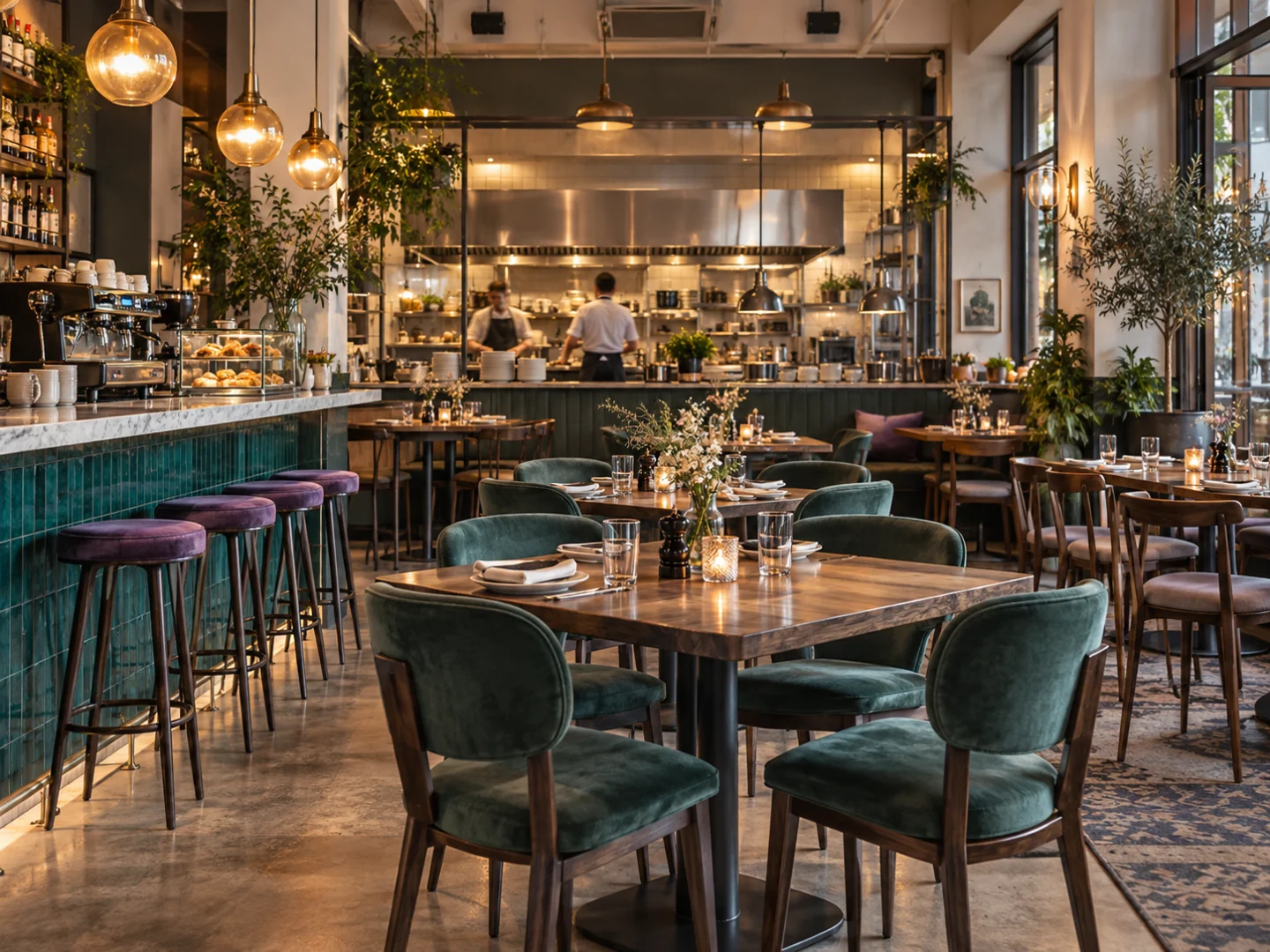
Restaurant and café setting illustrating restaurant management software workflows
Illustrative business photography.
Illustrative restaurants & cafés business environment
Illustrative sector concept.

THE WAY YOUR BUSINESS WORKS

Restaurant management software for your daily service

Service works best when the next step is clear. Explore tables, reservations, kitchen orders and recipes around the real rhythm of your restaurant or café.

Tell us how the day runs, where information lives and which handovers take the most effort. The first demonstration should focus on those practical questions.

Prepare for a conversation
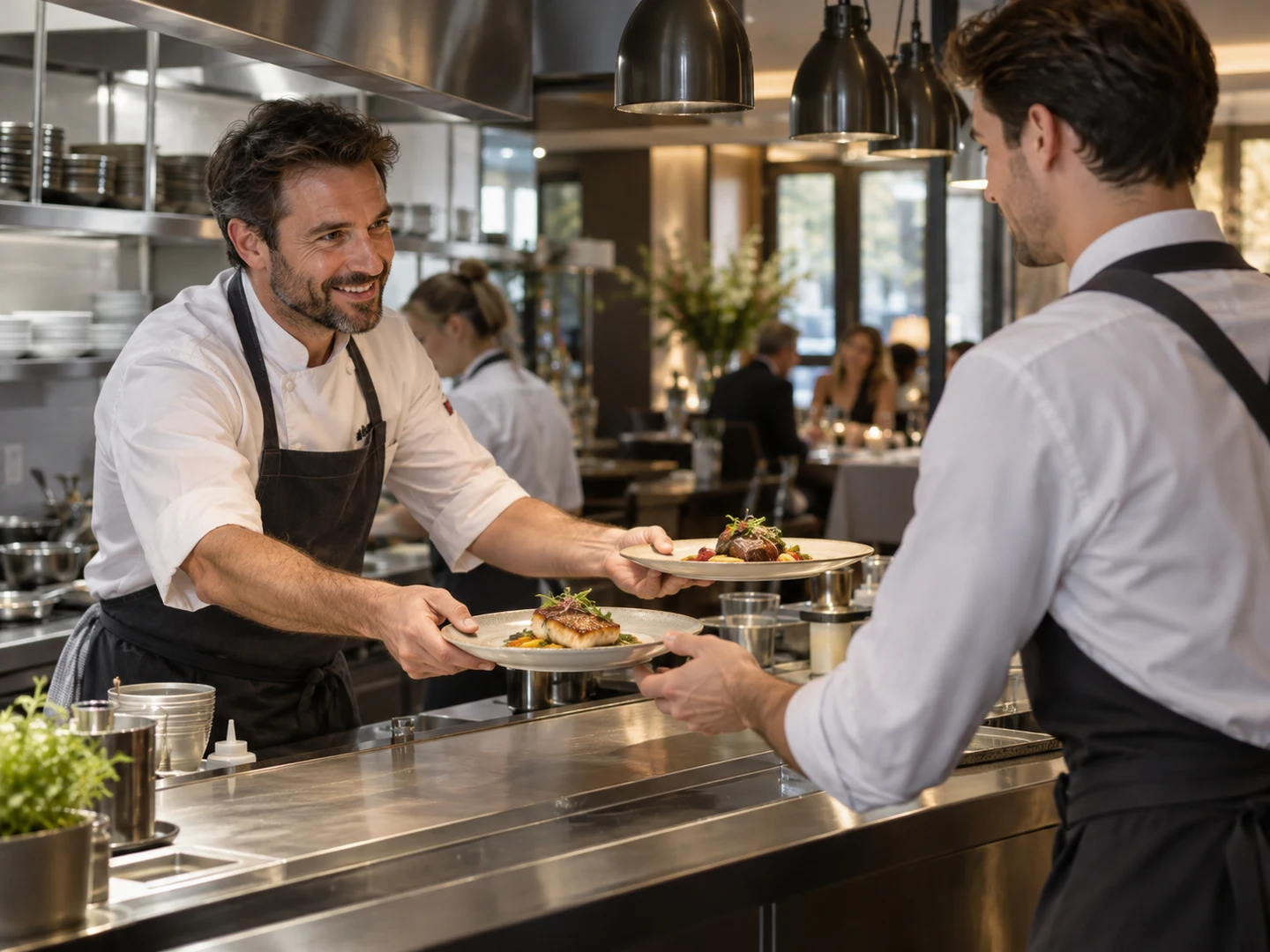
Restaurant management software context: kitchen-to-service order handover
Illustrative business photography.

THE DAILY WORK

Give each order a clear next step.

A busy room asks a lot of the team: new arrivals, changes at a table and orders waiting to be prepared. A useful demonstration follows an order through your actual service steps, so both the dining room and kitchen can review what matters.

Explore related tools
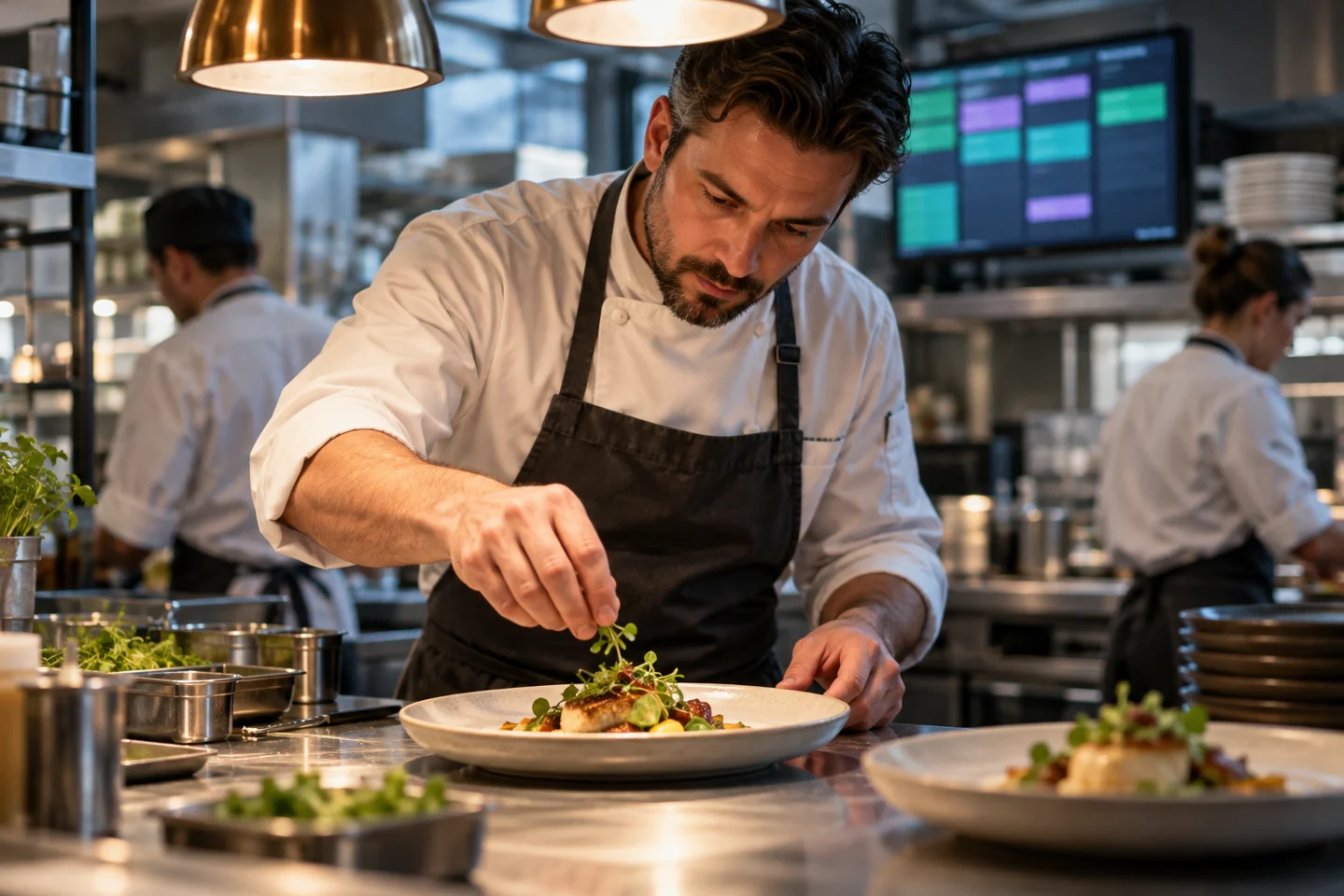
Illustrative restaurants & cafés operating environment
Illustrative business photography.

BEHIND THE SCENES

Behind the menu, there is a working kitchen.

Ingredients, preparation and recipes give the menu its operational context. Describe how your kitchen works today, what is recorded and which stock questions create extra work. Then review the restaurant and inventory scope together.

Explore related tools

THE CONNECTED PICTURE

Make room for the wider workflow.

OPERATING CONTEXT

Sales & checkout

Connect the service conversation to the way orders become completed sales. Explore the Sales & POS page and highlight the payment and checkout questions you need answered.

Explore the platform

PEOPLE & RECORDS

Stock & purchasing

Review the ingredient and supply routines behind service: receiving, stock checks and replenishment. Inventory and purchasing should be considered alongside the restaurant workflow.

Explore the platform

BUILT AROUND YOUR WORK

Tables, orders, kitchen work and recipes.

Explore the areas that matter to your operation. Use your own products, people and routines to give the demonstration a practical focus.

Tables & service

Discuss how your team starts service, organises tables and handles the movement of orders through the dining room. Use your own service format to shape the walkthrough.

Kitchen orders

Explore the restaurant kitchen display and order workflow in the context of how your front-of-house and kitchen teams coordinate during a busy service.

Reservations

Review reservation handling alongside tables and service priorities. Explain how bookings are managed today and the information your team needs before guests arrive.

Recipes & preparation

Bring recipe information into the operational discussion, including the preparation work and product records behind the menu. Clarify the relevant scope for your kitchen.

Sales & checkout

Connect the service conversation to the way orders become completed sales. Explore the Sales & POS page and highlight the payment and checkout questions you need answered.

Stock & purchasing

Review the ingredient and supply routines behind service: receiving, stock checks and replenishment. Inventory and purchasing should be considered alongside the restaurant workflow.

EXPLORE THE DETAIL

Different tasks. One business context.

Choose an area to explore. The walkthrough should reflect the records and routines you actually use.

WORKFLOW 01

Tables & service

Discuss how your team starts service, organises tables and handles the movement of orders through the dining room. Use your own service format to shape the walkthrough.

Bring an example of the task, the information used and the question your team needs to answer. Review the required configuration and scope before agreeing the next step.

Discuss this workflow
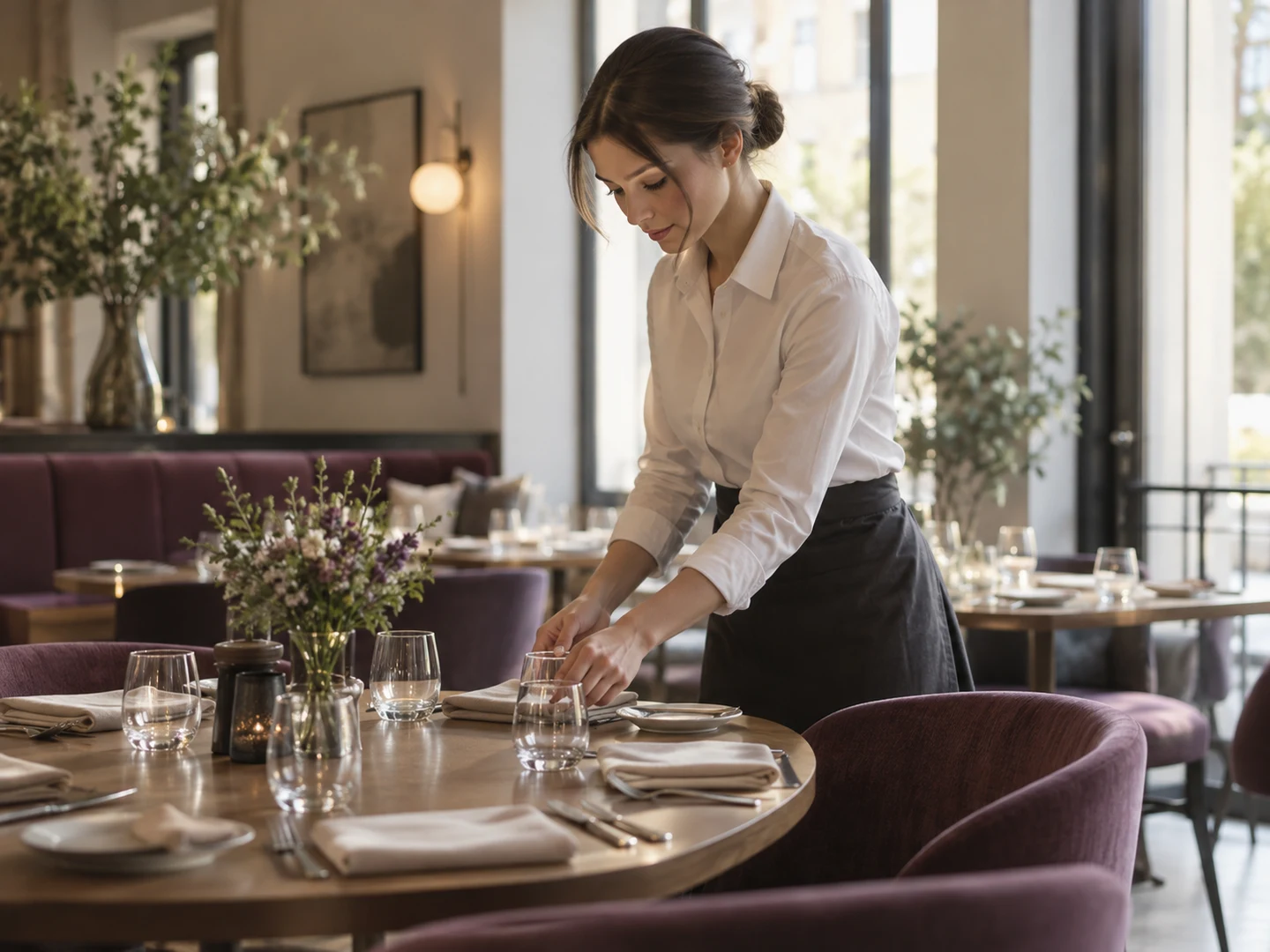
Restaurant table preparation and front-of-house service
Illustrative business photography.

WORKFLOW 02

Kitchen orders

Explore the restaurant kitchen display and order workflow in the context of how your front-of-house and kitchen teams coordinate during a busy service.

Bring an example of the task, the information used and the question your team needs to answer. Review the required configuration and scope before agreeing the next step.

Discuss this workflow

Restaurant kitchen preparing dishes for the next service handover
Illustrative business photography.

WORKFLOW 03

Reservations

Review reservation handling alongside tables and service priorities. Explain how bookings are managed today and the information your team needs before guests arrive.

Bring an example of the task, the information used and the question your team needs to answer. Review the required configuration and scope before agreeing the next step.

Discuss this workflow
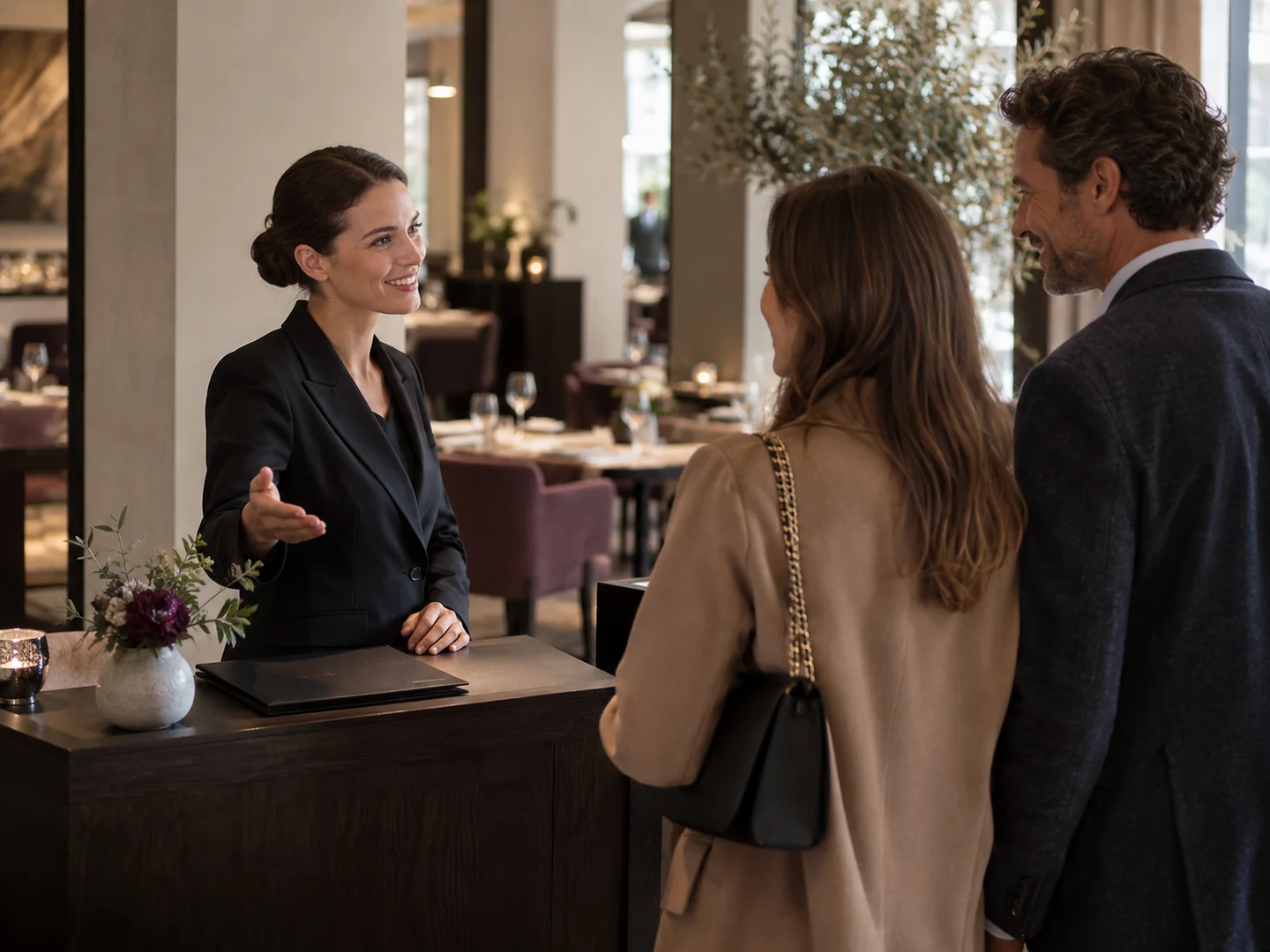
Restaurant host welcoming guests at the reservation desk
Illustrative business photography.

EVERYDAY OPERATIONS

A working day, connected.

Follow the tasks your team handles and the information passed between them.

01

Prepare for service

Review reservations, tables and the preparation information your team needs.

02

Take the order

Explore how the order moves from guest-facing service into the restaurant workflow.

03

Coordinate the kitchen

Review kitchen order visibility and the steps used to prepare and serve.

04

Close and review

Connect completed sales to the stock and operating questions that follow service.

THE PEOPLE BEHIND THE WORK

A clearer starting point for every role.

Describe who will use the tools and the responsibilities they handle. Review the proposed user and location scope together.

Venue owner

Review service priorities and the areas of the business to connect.

Front of house

Explore table, reservation and order routines.

Kitchen team

Focus on kitchen order visibility, recipes and preparation.

Shift manager

Discuss handovers and the information needed during service.

BEFORE YOU BEGIN

A little preparation goes a long way.

The proposal should make the relevant workflows, configuration and responsibilities clear. There is no fixed setup timetable on this page.

Describe the operation

Bring your sector, locations, team and the tasks you want to connect. A short overview is enough to begin.

Review the published plans

Compare current prices and user, product and location allowances on the Pricing page. Confirm the workflows relevant to your proposed scope.

Agree the next step

Clarify preparation, any data or integration work, setup and support arrangements before proceeding. Some commercial details remain provisional.

QUESTIONS FOR YOUR SECTOR

A clearer answer before you begin.

Can this page cover cafés as well as restaurants?

Yes. The first conversation should reflect your venue: counter service, table service or a combination. Describe the format and the workflows you want to explore.

Can we review kitchen display workflows?

Yes. Kitchen display and order handling are part of the restaurant module catalogue. Include the practical steps your team uses in the demo enquiry so the walkthrough has a clear focus.

Does Grosa automatically connect to every delivery platform?

No blanket connection is promised. Name the delivery or ordering systems you use and describe the required connection so compatibility and any additional work can be reviewed.

Can we discuss several venues?

Yes. Include the number of locations and how they share products, recipes or responsibilities. Check the published plan limits and clarify the proposed scope.

Do we need to choose a plan before the demo?

No. Start with your venue and the service questions you want answered. Plan selection can be discussed after the relevant workflows and requirements are clearer.

Browse all Grosa questions
Restaurant team reviewing daily service routines before opening
Illustrative business photography.

SERVICE HAS ITS OWN RHYTHM

Review the steps
your team lives every day.

A closer look

Four restaurant management software workflows to review

Use these working examples to review restaurant management software in the context of your operation. Confirm essential requirements in your walkthrough and proposal.

An order with its service context

Restaurant management software needs to be discussed using the format of your service. Explain whether the example involves a table, a takeaway order or another service routine, and identify who takes the order and who needs it next.

Use a familiar dish and a common variation to make the discussion concrete. Review the Grosa restaurant tools in that context, then confirm any kitchen device, printing, payment or external integration requirement as part of the proposed setup.

The menu and the working product records

A menu item and the products used around it may need different business records. Review restaurant management software with an example that makes those relationships clear to your team. Explain how you describe dishes, ingredients or recipe requirements today, and which information the kitchen and purchasing team need.

Specialist requirements should be reviewed with the restaurant module rather than inferred from a general inventory feature. The demonstration can then focus on the supported workflow and your configuration questions.

A change during a busy service

Busy periods reveal the handovers that matter in restaurant management software. Describe a typical order change, a question from the kitchen or a customer asking about a dish. Identify who needs to respond and which information must remain clear.

Use these examples to review the proposed workflow and team responsibilities. Requirements involving allergens, service policies or specific approvals should be discussed explicitly and managed alongside your own operating procedures, with official guidance consulted where appropriate.

Closing the loop after service

Restaurant management software should also be explored after the customer-facing part of service. Explain how your team reviews recorded sales, stock context and the needs of the next service period. Include the people and locations involved, particularly if purchasing or management happens elsewhere.

Compare the base plan and Restaurant add-on with those requirements. Agree any setup, devices, imports and training needs separately so your proposal reflects the whole operating example and the responsibilities around it.

EXPLORE THE NEXT DETAIL

Useful places to continue.

GROSA FOR RESTAURANTS & CAFÉS

See it in your
business context.

Bring your priorities and the everyday questions behind them. Request a focused walkthrough of the areas that matter to your operation.

Request a demoGetting started

Scope and timing depend on the requirements agreed for your business.