

Skip to main content Scroll Top

GROSA FOR SALONS & BEAUTY

A full diary.
A calmer workflow.

Explore Grosa salon software for salons and beauty businesses. Review appointments, services, staff commissions and customer routines around the work of your team.

Explore the relevant modules and confirm the scope for your business.
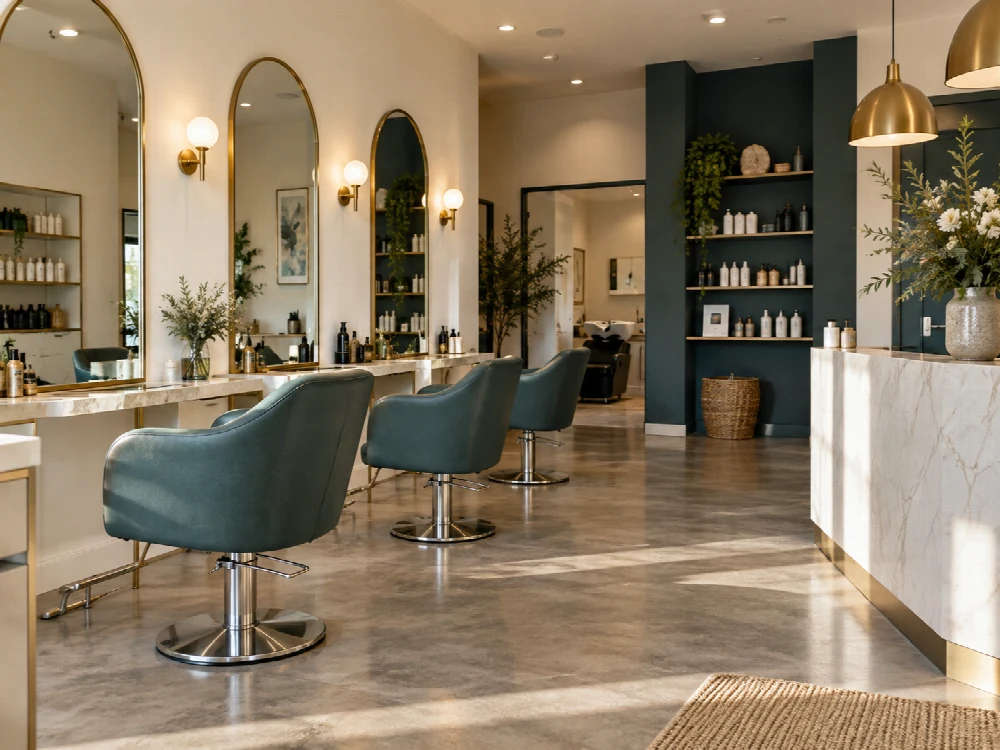
Salon setting illustrating the appointment context for salon software
Illustrative business photography.

A PRACTICAL START

Salon software for appointments, services and people

You do not need a complete specification before the first conversation.

01

Your business

Describe your salons & beauty format and the priorities behind it.

02

Your records

Outline the product, service or customer records you work with today.

03

Your people

Explain who handles the tasks and how locations or teams work together.

04

Your next step

Identify the workflows you want to see and the questions you need answered.

BUILT AROUND YOUR WORK

Appointments, services and staff commissions.

Explore the areas that matter to your operation. Use your own products, people and routines to give the demonstration a practical focus.

Appointments

Review appointment handling around the way your salon plans its day. Explain who books, how the team prepares and which information needs to be visible before a client arrives.

Service catalogue

Organise the services your team offers and the records used to work with them. Use your own service range to give the demonstration a practical focus.

Staff commissions

The salon module catalogue includes commission workflows. Describe your arrangements and the records you need; the setup should be reviewed for your own business rules.

Customer relationships

Bring the customer side of salon service into the discussion, including the information that helps your team maintain a useful relationship over time.

Retail products

If your salon also sells products, review the product, inventory and checkout routines alongside services. The appropriate combination of areas should be agreed in the scope.

People & responsibilities

Explain who handles appointments, delivers services and reviews records. Discuss user needs and responsibilities alongside the published plan allowances.

SALONS & BEAUTY WITH GROSA

Let your daily work
shape the next step.

Appointments, services and people set the rhythm of a salon. Explore those routines alongside staff commissions, customer relationships and everyday business records.

Talk about your business

THE CONNECTED PICTURE

Make room for the wider workflow.

OPERATING CONTEXT

Retail products

If your salon also sells products, review the product, inventory and checkout routines alongside services. The appropriate combination of areas should be agreed in the scope.

Explore the platform

PEOPLE & RECORDS

People & responsibilities

Explain who handles appointments, delivers services and reviews records. Discuss user needs and responsibilities alongside the published plan allowances.

Explore the platform

QUESTIONS FOR YOUR SECTOR

A clearer answer before you begin.

Can we explore appointment handling?

Yes. Appointments are part of the current salon module catalogue. Describe the way bookings are handled today and the information your team needs throughout the day.

Can we discuss staff commissions?

Yes. Include your arrangements and record requirements in the demo conversation. The configuration and proposed scope should be reviewed against your business rules.

Can services and product sales be reviewed together?

Yes. Explain the service range and retail products you offer. Sales & POS and Inventory can then be explored alongside salon workflows.

Will the website take appointments for my salon?

These pages present Grosa and collect demo enquiries. They do not provide a public booking page for an individual salon. Any customer-facing booking requirement should be described and reviewed separately.

What should I prepare for a demonstration?

Bring a short overview of the salon, team, service range and appointment routines. Do not send private client records or credentials in the initial enquiry.

Browse all Grosa questions
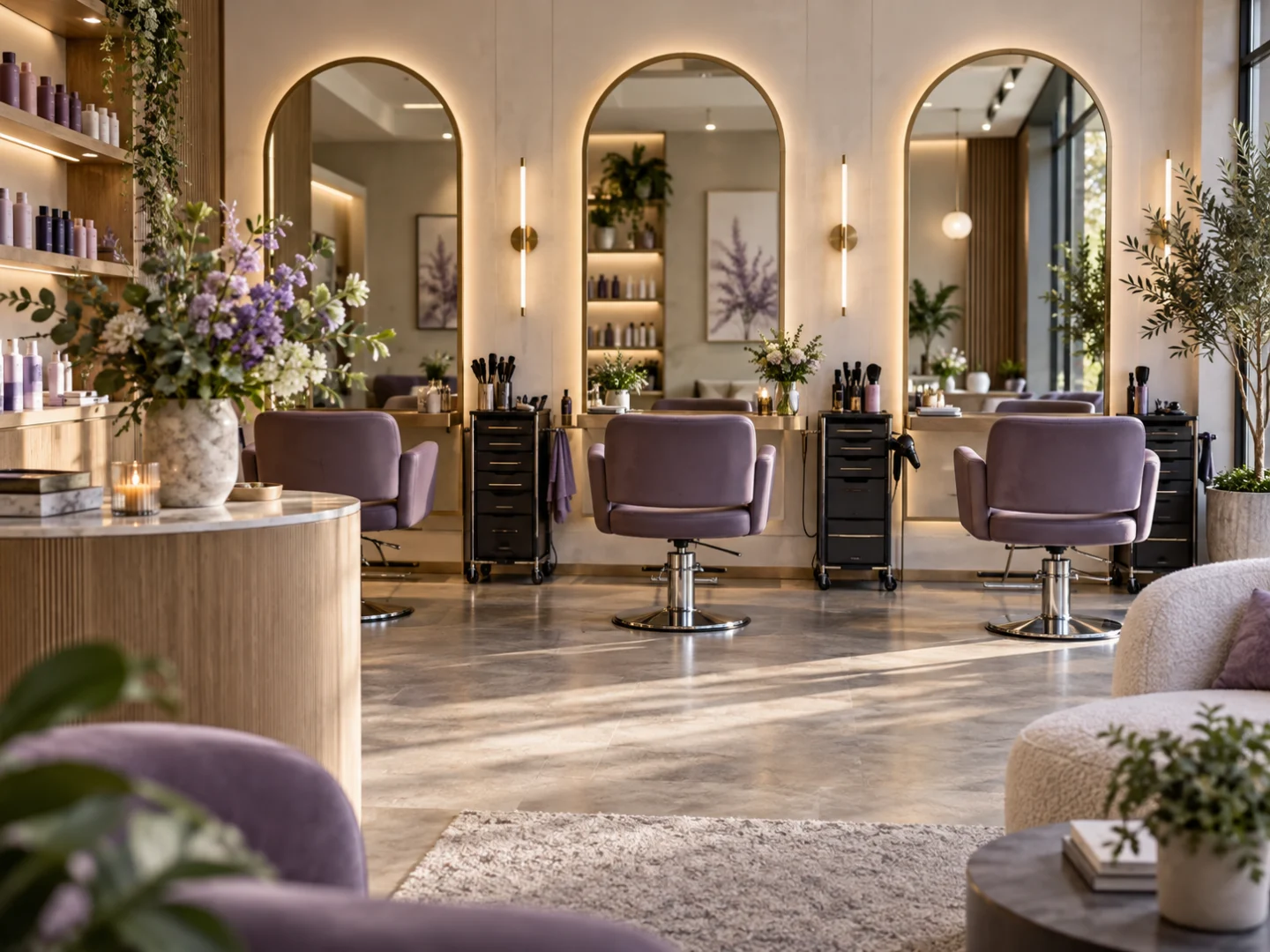
Illustrative salons & beauty operating environment
Illustrative sector concept.

THE DAILY WORK

The diary is a shared working picture.

A booking affects the client, the professional delivering the service and the person coordinating the day. Describe the appointment information your team works with and where uncertainty creates extra conversations. Start the demonstration with that practical context.

Explore related tools

GROSA FOR SALONS & BEAUTY

See it in your
business context.

Bring your priorities and the everyday questions behind them. Request a focused walkthrough of the areas that matter to your operation.

Request a demoGetting started

Scope and timing depend on the requirements agreed for your business.

BEFORE YOU BEGIN

A little preparation goes a long way.

The proposal should make the relevant workflows, configuration and responsibilities clear. There is no fixed setup timetable on this page.

Describe the operation

Bring your sector, locations, team and the tasks you want to connect. A short overview is enough to begin.

Review the published plans

Compare current prices and user, product and location allowances on the Pricing page. Confirm the workflows relevant to your proposed scope.

Agree the next step

Clarify preparation, any data or integration work, setup and support arrangements before proceeding. Some commercial details remain provisional.

EXPLORE GROSA

Related areas of the platform.

Continue with the tools and sector pages relevant to your business.

START A CONVERSATION

Your questions.
A useful place to begin.

Tell us about your salons & beauty operation and the work you want to explore. We can start with your priorities rather than a complete specification.

Contact Grosa[email protected]

Use the existing enquiry form or email to ask about your business.

A closer look

Four salon software workflows to review with your team

Use these working examples to review salon software in the context of your operation. Confirm essential requirements in your walkthrough and proposal.

A booking with a service and a person

Salon software should be assessed using your actual appointment context. Choose a familiar service and explain which professional, duration or other details your team uses when discussing a booking.

Review the Grosa Salon module with that example and identify what needs to be confirmed in the setup. If your operation depends on a particular booking channel, notification method or external integration, raise it explicitly rather than assuming it follows automatically from an appointments feature.

The customer-facing handover

Reception, the professional delivering the service and the person handling the sale may need different information. Review salon software with the handover between those roles in mind. Explain the details needed to serve the client and which records your team maintains.

Discuss customer information with a clear purpose, including who needs access. A demonstration should help identify the supported routine and configuration questions without requiring sensitive client records to be sent with the initial enquiry.

Products alongside services

Many salons also sell retail products, creating a second routine alongside appointments. Salon software should be explored with a product sale as well as a service example so shared catalogue, customer and inventory needs are understood.

Describe where stock is held, who updates it and how the team answers product questions. Review the core platform and Salon module together, then confirm any device or data-preparation work needed for your proposed operation.

People and commission questions

Salon software is relevant to the responsibilities around the appointment as well as the diary itself. Explain your team structure and the service or commission questions you want to review. Confirm the exact supported workflow with the Grosa team and distinguish it from employment, payroll or other external requirements.

Compare user and branch capacity with the published plans. Your proposal should then identify the selected module, configuration needs and any setup work agreed for your salon.

GROSA FOR SALONS & BEAUTY

See it in your
business context.

Bring your priorities and the everyday questions behind them. Request a focused walkthrough of the areas that matter to your operation.

Request a demoGetting started

Scope and timing depend on the requirements agreed for your business.