

Skip to main content Scroll Top

GROSA FOR GROCERANTS & FOOD-TO-GO

Fresh groceries.
Ready-to-eat possibilities.

Explore Grosa grocerant software for grocery businesses with café and food-to-go services. Review shared product, stock and preparation workflows for your operation.

Explore the relevant modules and confirm the scope for your business.
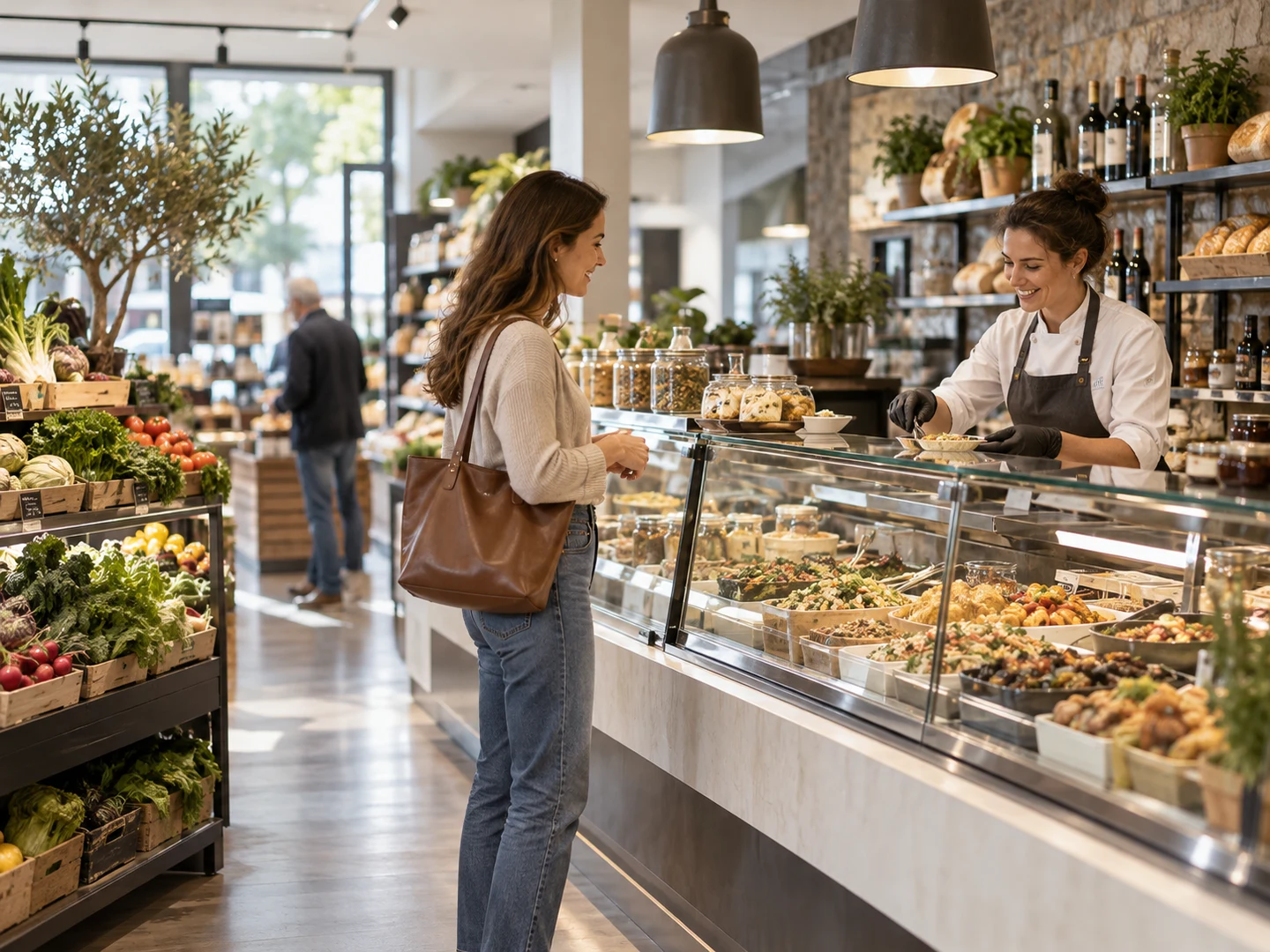
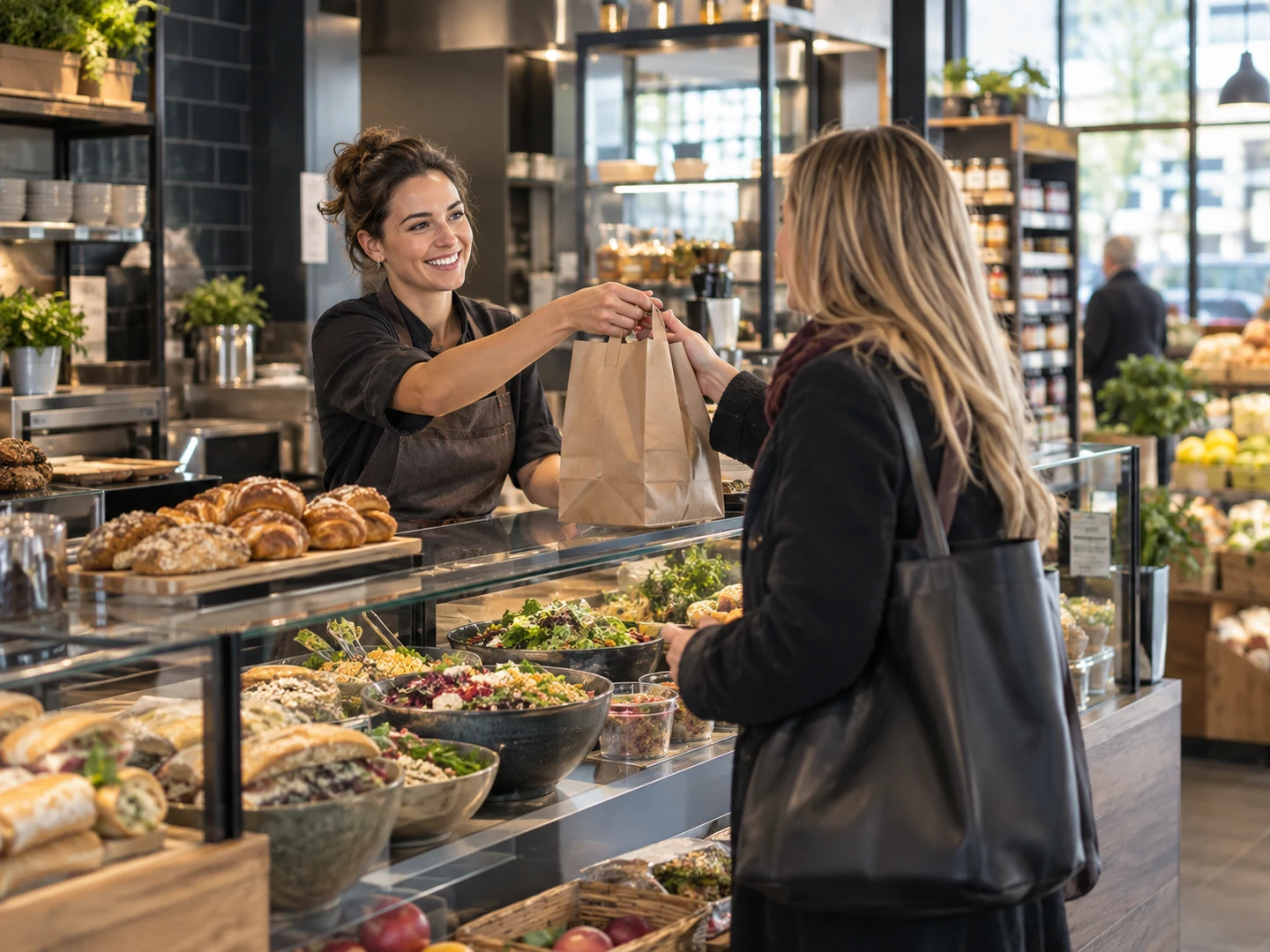
Grocery and prepared-food setting illustrating the operating context for grocerant software
Illustrative business photography.
Grocerant software context: grocery shelves and prepared-food counter in one store
Illustrative business photography.

THE WAY YOUR BUSINESS WORKS

Grocerant software for grocery and food service

When a grocery store also prepares and serves food, the workflow crosses two worlds. Explore the ready-to-eat operation alongside retail products, sales and stock.

Tell us how the day runs, where information lives and which handovers take the most effort. The first demonstration should focus on those practical questions.

Prepare for a conversation
A PRACTICAL START

Four questions for a useful demo.

You do not need a complete specification before the first conversation.

01

Your business

Describe your grocerants & food-to-go format and the priorities behind it.

02

Your records

Outline the product, service or customer records you work with today.

03

Your people

Explain who handles the tasks and how locations or teams work together.

04

Your next step

Identify the workflows you want to see and the questions you need answered.

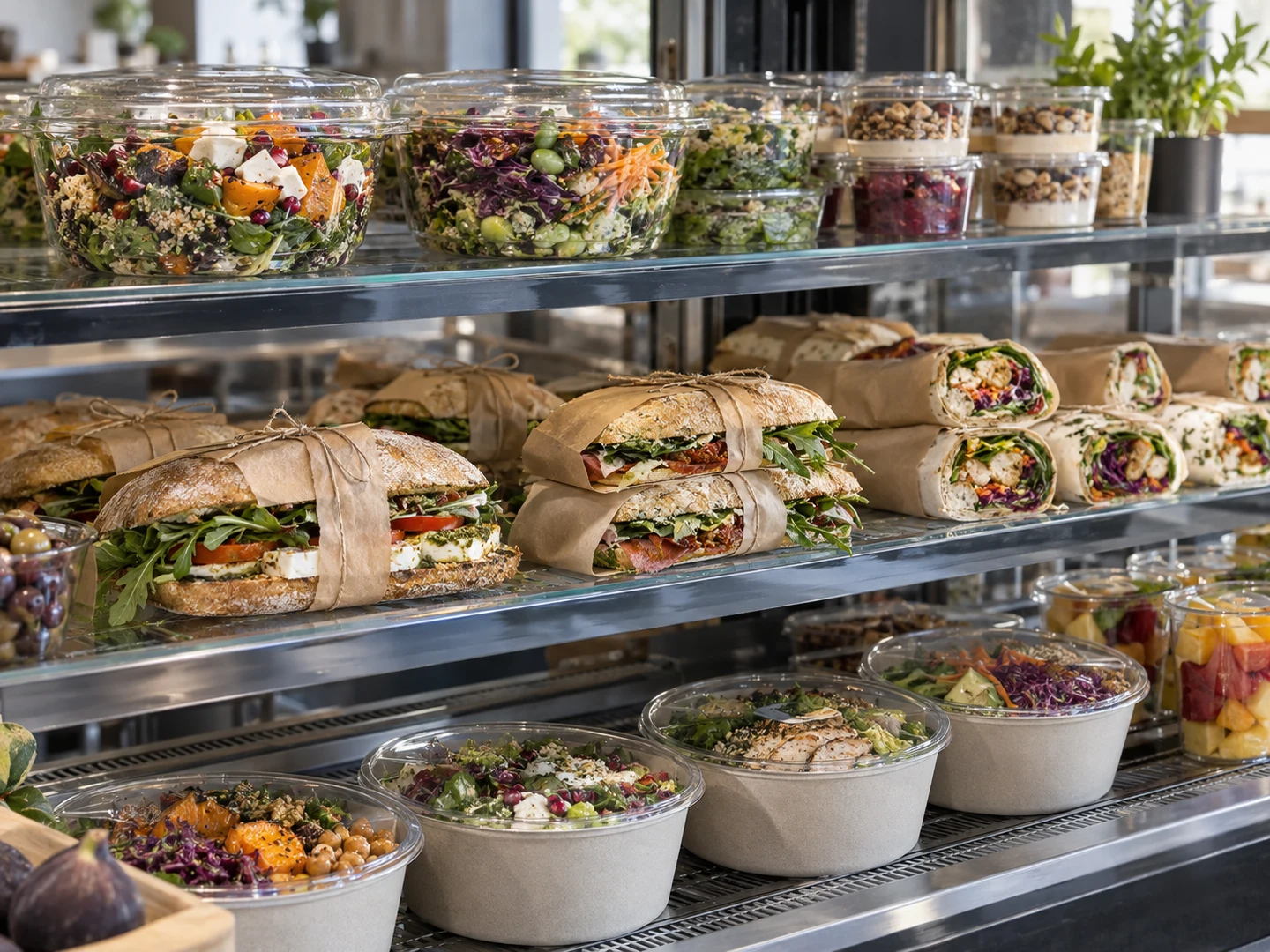
Grocerant software context: food-to-go service beside everyday grocery shopping
Illustrative business photography.

THE DAILY WORK

One store. Two kinds of daily rhythm.

Grocery retail and prepared-food service may share space and products while working to different timetables. Describe how the activities meet in your store and which handovers create extra work. Start with those connections when reviewing the grocerant scope.

Explore related tools
YOUR DEMONSTRATION, IN CONTEXT

Bring the situations your team knows.

These are discussion examples, not customer case studies. Choose the ones that reflect your operation.

Ready-to-eat counter

Explore prepared food sold alongside your grocery range.

In-store café

Discuss service, seating and the relevant restaurant-style requirements.

Prepared meals to go

Review the preparation and retail handovers behind food-to-go items.

Shared stock routines

Follow the product information used across the two parts of the store.

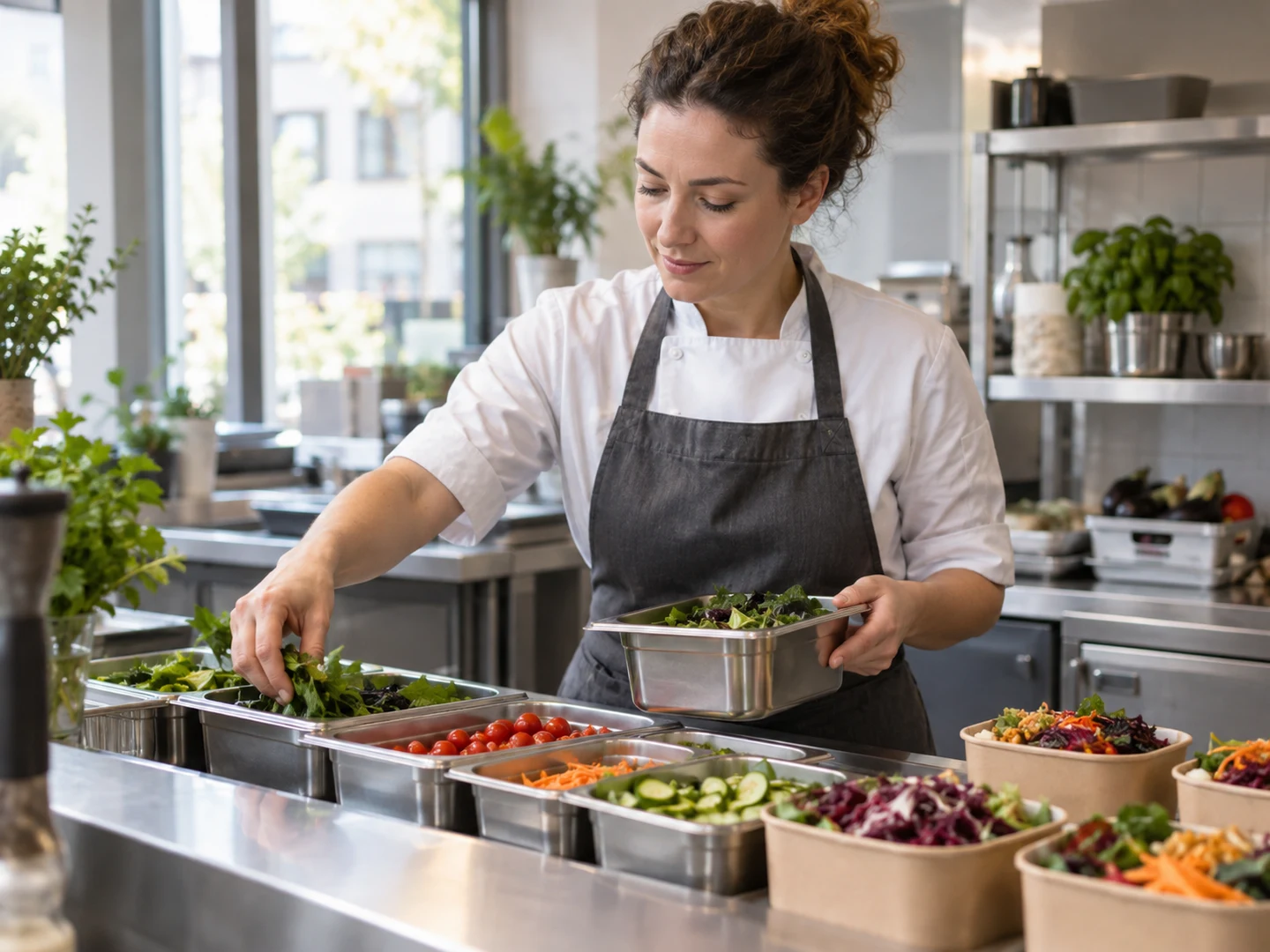
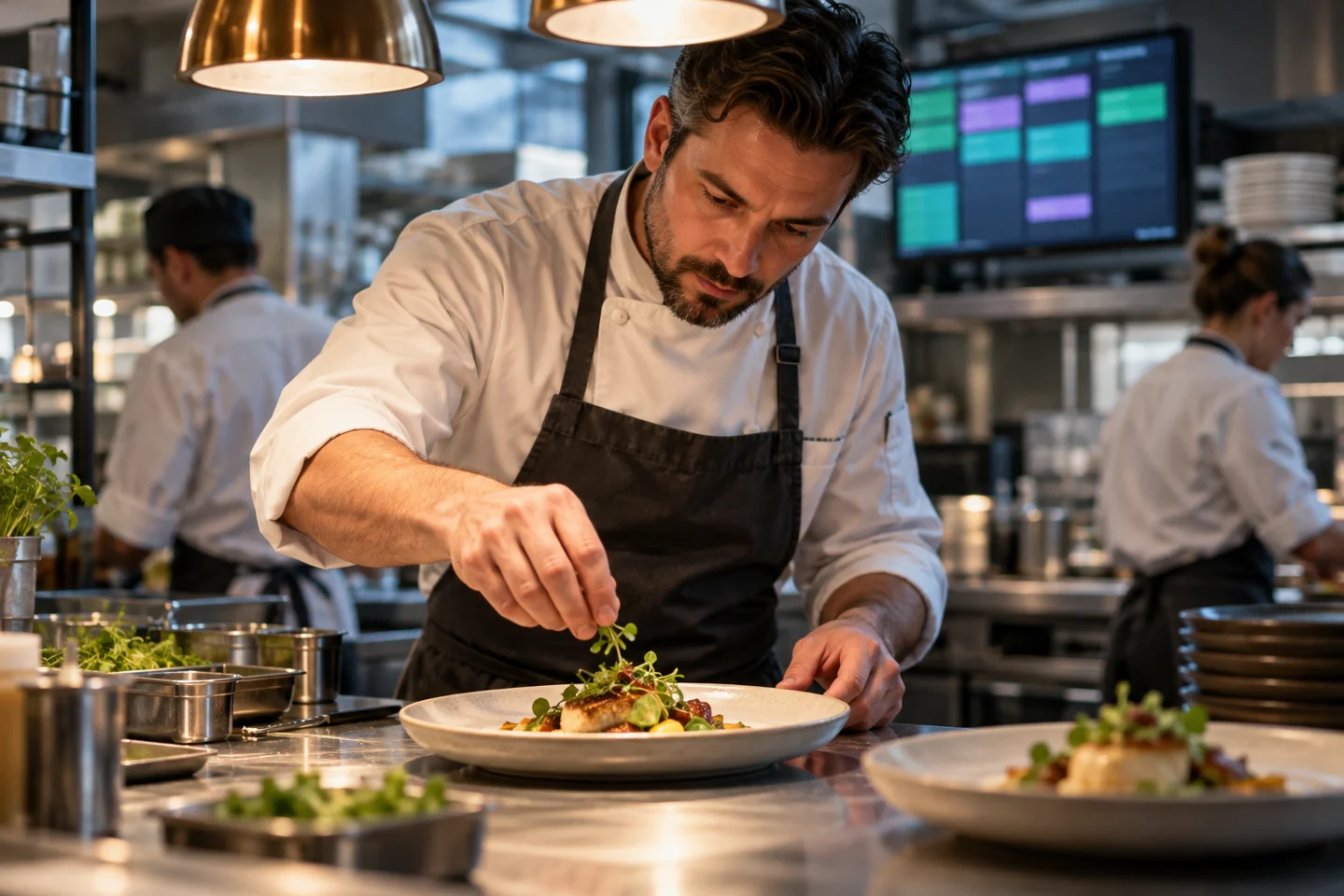
Illustrative grocerants & food-to-go operating environment
Illustrative business photography.

BEHIND THE SCENES

Preparation begins with a useful stock picture.

The ready-to-eat operation needs a practical view of the products it works with. Explain how receiving and preparation are handled today and which records connect the two. Review Inventory alongside the relevant prepared-food workflow.

Explore related tools
EVERYDAY OPERATIONS

A working day, connected.

Follow the tasks your team handles and the information passed between them.

01

Receive for the store

Review incoming products and the records behind availability.

02

Prepare for food service

Explore the preparation routine inside the grocery operation.

03

Serve and sell

Discuss the customer journey across groceries and ready-to-eat food.

04

Review both activities

Bring the shared stock and team questions into the next-day plan.

BUILT AROUND YOUR WORK

Prepared food inside a grocery operation.

Explore the areas that matter to your operation. Use your own products, people and routines to give the demonstration a practical focus.

Prepared-food operation

The grocerant module catalogue covers a ready-to-eat or café-style section inside a grocery store. Describe how that part of the business works and what needs to be connected.

Shared product context

Review the relationship between the grocery range and the products used by the prepared-food operation. Explain which records are shared and how the team works with them.

Preparation routines

Bring the day’s preparation work into the discussion, including the steps used to make items available for sale. Clarify the relevant module scope for your format.

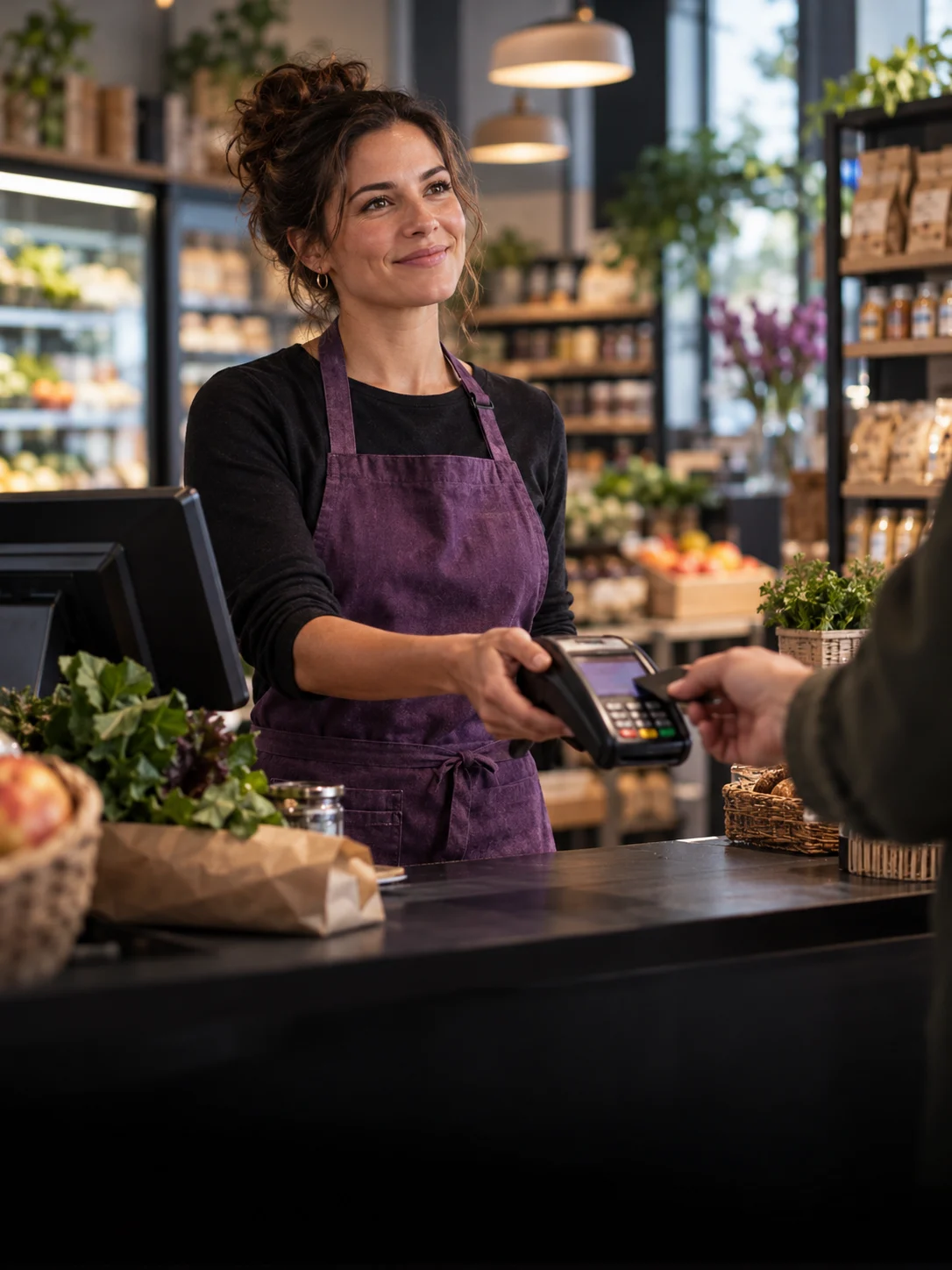
Sales at the counter

Explore everyday sales around the mix of grocery products and ready-to-eat items. Use Sales & POS to review the customer-facing part of the workflow.

Stock & replenishment

Discuss the stock questions behind both activities: receiving, availability and the work needed to prepare for the next trading day.

Teams & handovers

Explain how the retail and food teams coordinate. Review who prepares, serves and maintains records so the discussion covers the handovers that matter.

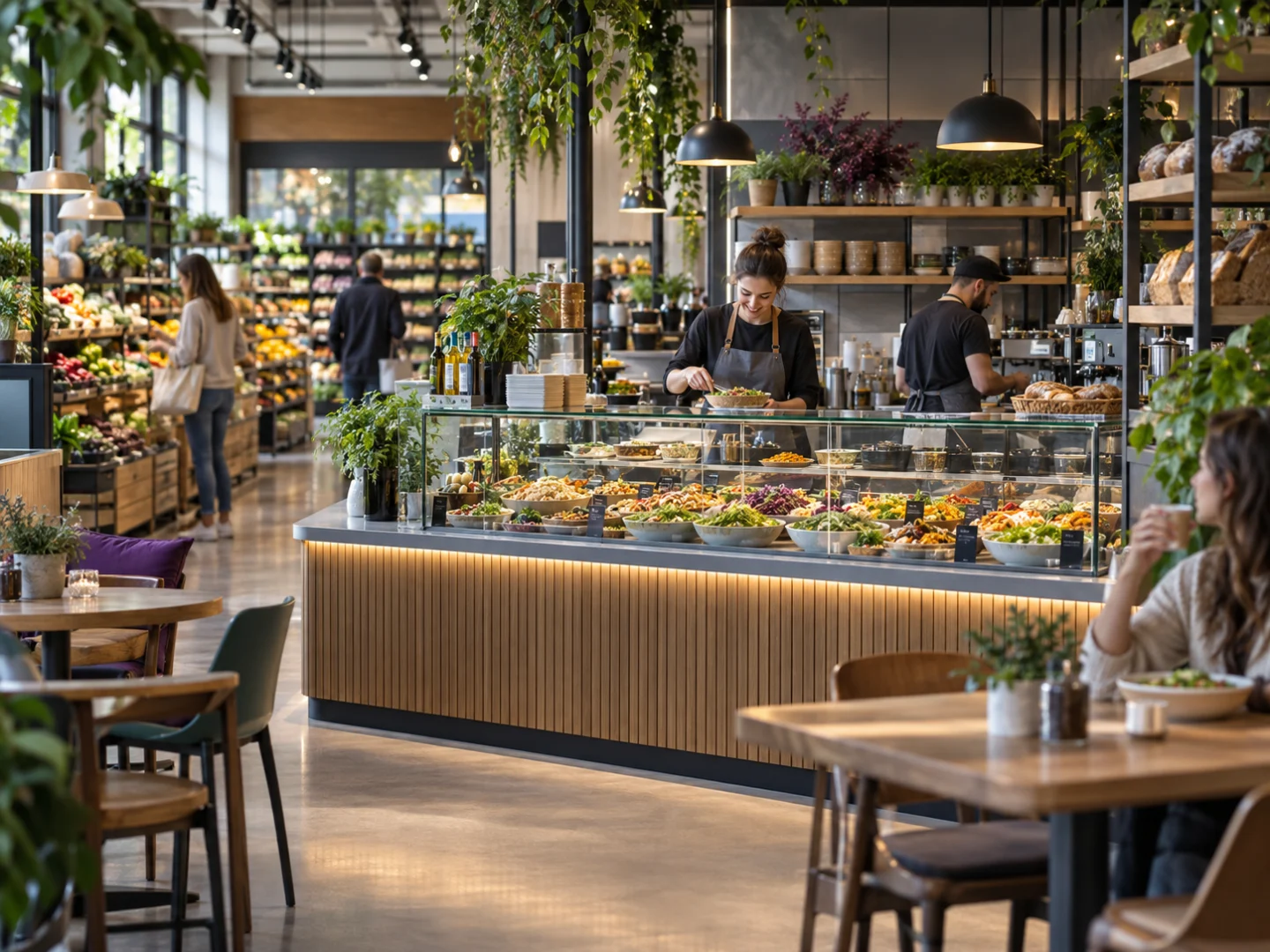
Illustrative business owner
Illustrative business photography.

YOUR BUSINESS CONTEXT

Let the service format shape the discussion.

A takeaway counter, an in-store café and a prepared-meal section may need different combinations of tools. Tell us what your store offers, whether seating or restaurant-style service is involved and which activities you want to explore.

Explore related tools

BEFORE YOU BEGIN

A little preparation goes a long way.

The proposal should make the relevant workflows, configuration and responsibilities clear. There is no fixed setup timetable on this page.

Describe the operation

Bring your sector, locations, team and the tasks you want to connect. A short overview is enough to begin.

Review the published plans

Compare current prices and user, product and location allowances on the Pricing page. Confirm the workflows relevant to your proposed scope.

Agree the next step

Clarify preparation, any data or integration work, setup and support arrangements before proceeding. Some commercial details remain provisional.

QUESTIONS FOR YOUR SECTOR

A clearer answer before you begin.

What is a grocerant in this context?

A grocery store with a ready-to-eat or café-style food operation inside it. The scope should reflect the format you run, rather than assuming it is a standalone restaurant.

Can we discuss grocery and prepared food together?

Yes. Include both activities, their shared product and stock routines and the teams involved in your demo enquiry.

Does every format need the full restaurant scope?

Not necessarily. Describe whether you operate a counter, seating, table service or another format. The relevant combination of modules should be reviewed for those requirements.

Can existing preparation records be reviewed?

Yes. Describe the systems, formats and working steps first. Do not send private records with the initial enquiry; any data preparation or transfer work needs a separate review.

Where should we begin?

Use Getting Started for a preparation guide, or request a demo with a short overview of the store and its prepared-food operation.

Browse all Grosa questions

START A CONVERSATION

Your questions.
A useful place to begin.

Tell us about your grocerants & food-to-go operation and the work you want to explore. We can start with your priorities rather than a complete specification.

Contact Grosa[email protected]

Use the existing enquiry form or email to ask about your business.

A closer look

Four grocerant software workflows to review

Use these working examples to review grocerant software in the context of your operation. Confirm essential requirements in your walkthrough and proposal.

A shared store with distinct service routines

Grocerant software should be discussed using both sides of your operation: packaged grocery sales and the prepared-food service you provide. Choose an example from each, then explain where the same products, staff or locations are involved.

Review the Grosa foundation and Grocerant scope together so shared records and specialist questions remain clear. A takeaway counter, an in-store food offer and a broader dining format can have different setup needs despite sharing a category name.

Products behind preparation

Grocerant software needs a clear business context for the relationship between stock and prepared food. Explain the products your team holds, what the preparation routine involves and who needs the information. Review the relevant Grosa tools with that example and identify any recipe, ingredient or specialist tracking requirement for a closer assessment.

Operational food-safety procedures and official guidance remain important alongside the software discussion. Do not infer that every requirement is covered by a general product or inventory feature.

The handover at a busy counter

Grocerant software should be evaluated during the moments when retail and food-service work overlap. Describe a customer purchasing grocery items and a prepared-food order, or a colleague moving between those responsibilities. Which product, order and customer details need to stay clear?

Explore the proposed workflow with those people in view. Device, printing, payment and external integration requirements should be confirmed separately so the selected package reflects the actual service situation.

A useful scope for the whole operation

Grocerant software belongs in a wider review of your locations, team, catalogue and service format. Compare the relevant Grosa plan and module availability with the routines described above, then list any essential requirement still needing confirmation.

Agree configuration, setup work and responsibilities before proceeding. If food information or allergen questions form part of your operation, consult suitable official guidance and assess your own procedures as well as the role of the software in the proposed workflow.

GROSA FOR GROCERANTS & FOOD-TO-GO

See it in your
business context.

Bring your priorities and the everyday questions behind them. Request a focused walkthrough of the areas that matter to your operation.

Request a demoGetting started

Scope and timing depend on the requirements agreed for your business.